Secure, controlled file sharing for schools and universities
Share learning materials, collect assignments and send sensitive documents between staff, students and parents. Everything in one institutional environment, with control over who opens files and how long they are kept, without exposing private information.
 SSO with Google and Microsoft
 Private environment
 CDR file sanitization
 Recipient verification by SMS
 Assignments and documents
Sign in with your school's
Microsoft 365 or Google Workspace account
Let teachers and staff sign in to JumboMail with the institutional account they already know, with no extra password. Manage access centrally, in line with your institution's sign-in policy.
 Staff sign-inSign in with your school account Google Microsoft
A private JUMBOmail environment for your institution
A dedicated file-sharing environment on your institution's domain, with its branding. Files are kept in dedicated storage, separate from other customers, so learning materials, internal documents and sensitive information stay in a controlled environment.

Central management of users and permissions
Manage the accounts of leadership, teachers and staff from one place. Give each user a permission level that fits their role, and decide who can manage users and see activity and files.
- Accounts for your staff and a shared storage pool, under your Enterprise plan.
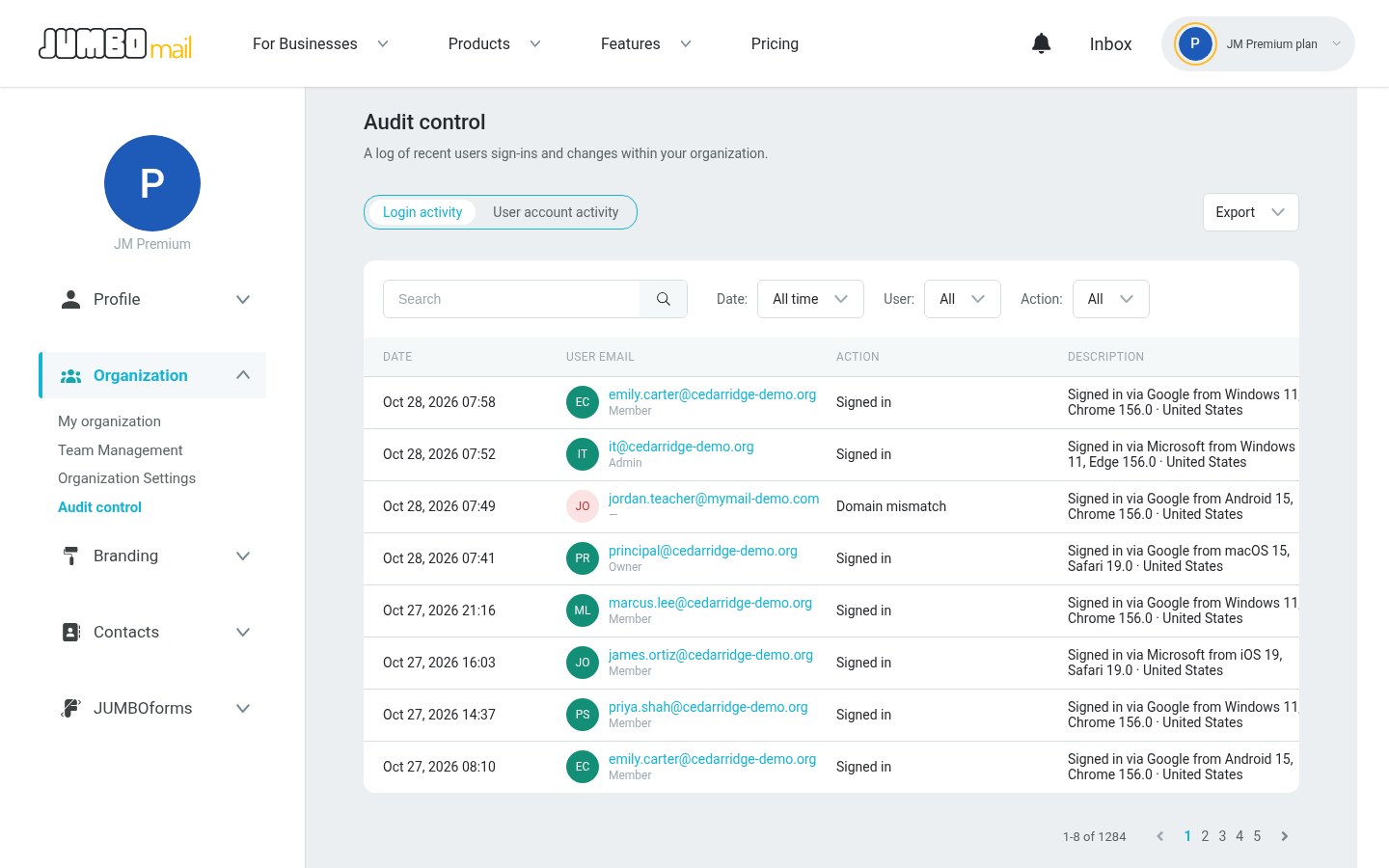
- Track sign-ins and account activity, with export to Excel or CSV.
- Send and receive files with students, parents and suppliers, with no account needed on their side.
- Students
- Parents
- Suppliers
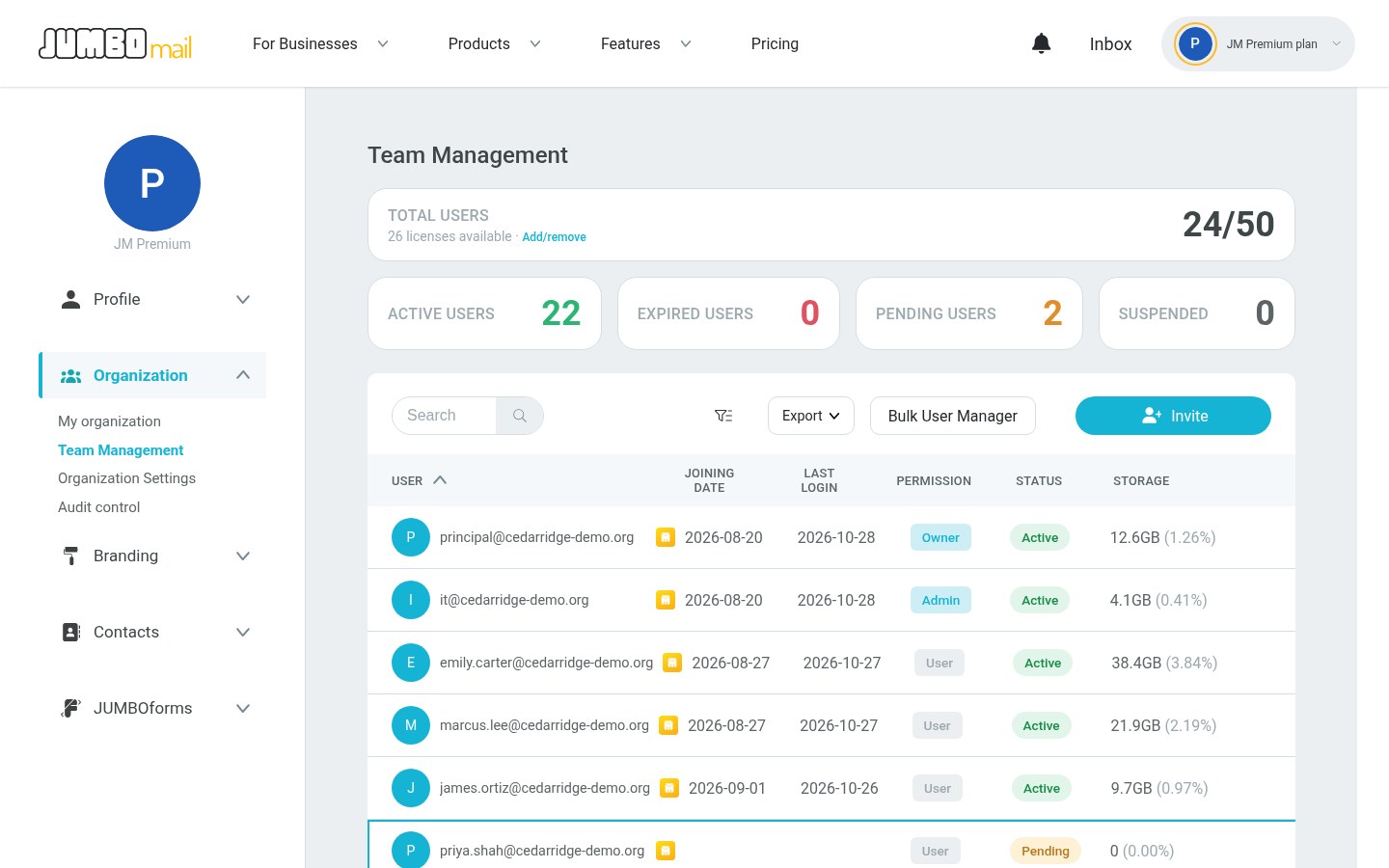 The principalOwnerIT coordinatorAdminTeachersUser
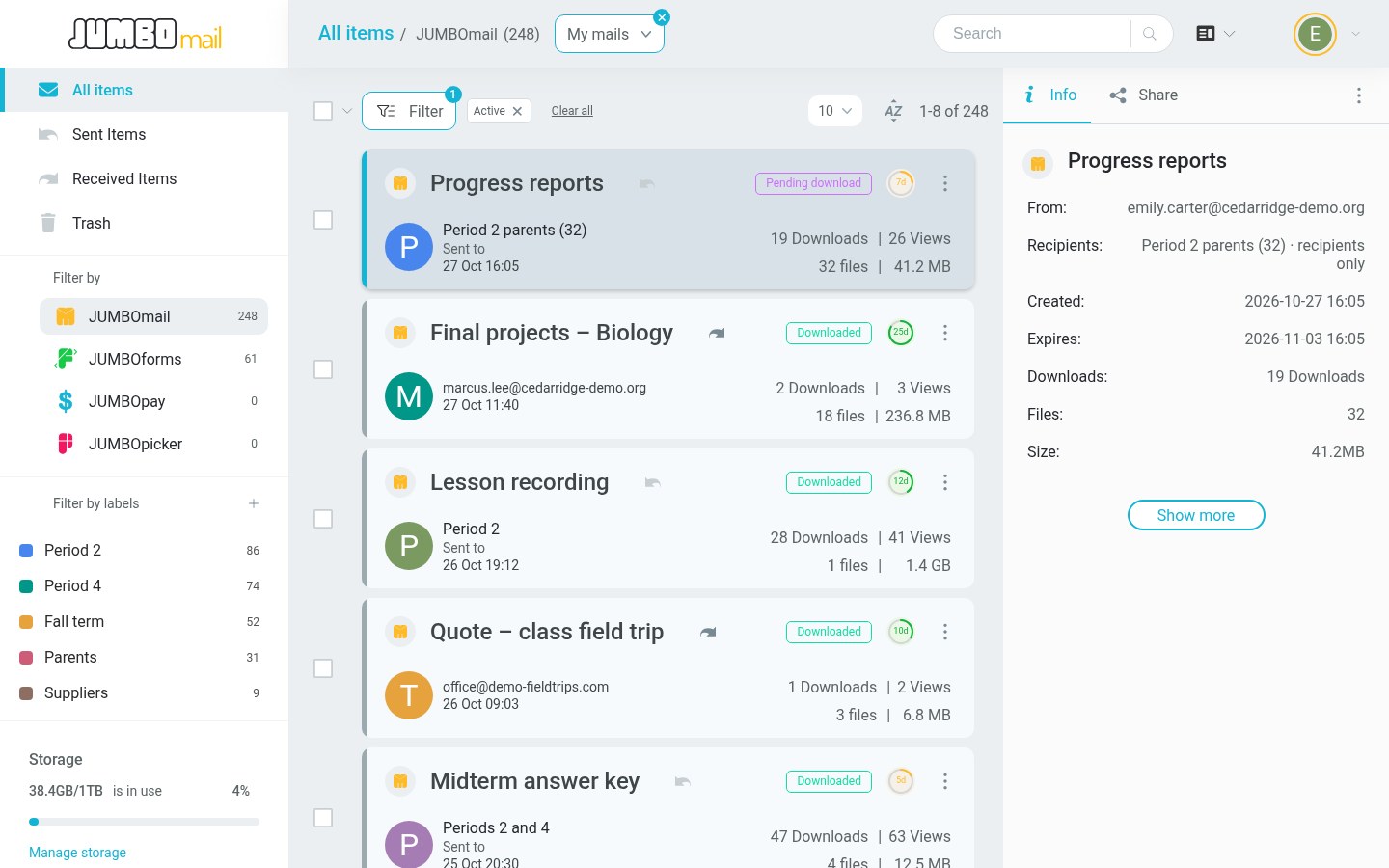
Collect, share and manage, all school year long
From learning materials and assignments to enrollment forms and personal reports: manage and share files in one place, with control over who sees what.
- The principal's office and the IT coordinator see every staff delivery in one view.
 Received and checked
- Password
- Recipients only
- View only
- Download limit
- Download tracking
Clean files with CDR, whoever sends them
Files from outside go through CDR and an antivirus scan: the file is rebuilt without its active content before anyone on staff opens it.
A one-time code before every download
The recipient gets a code by text or voice call and can download only after entering it, so a report card or a counselor's report reaches the right parent's phone.
- A 6-digit code, valid for 5 minutes, sent only to the numbers the sender entered: up to 5 cell phone numbers per delivery.
- No text messages? The code is read out in a voice call, even on a basic phone.
- The recipient never sees the list of numbers: they type in their own number and get the code.
- In the organization settings, turn on one-time codes by default for all staff.



Your school's domain and logo
The service runs on your domain, with your logo on the upload and download pages and in the emails. Parents see the school, not us.
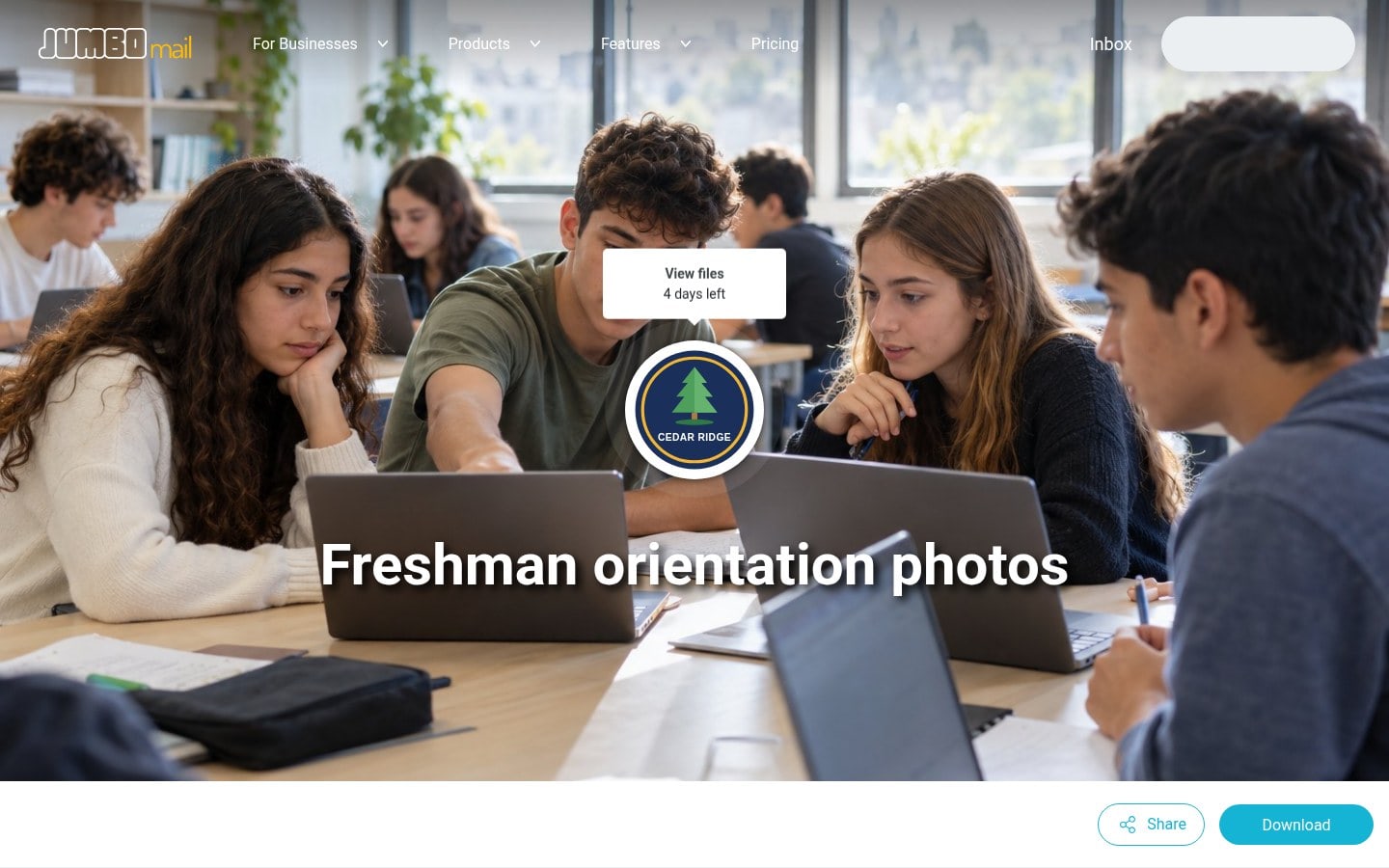

Send large files securely from Outlook
The Outlook add-in sends large files from inside the email. Set a size, and every attachment above it goes through JumboMail.
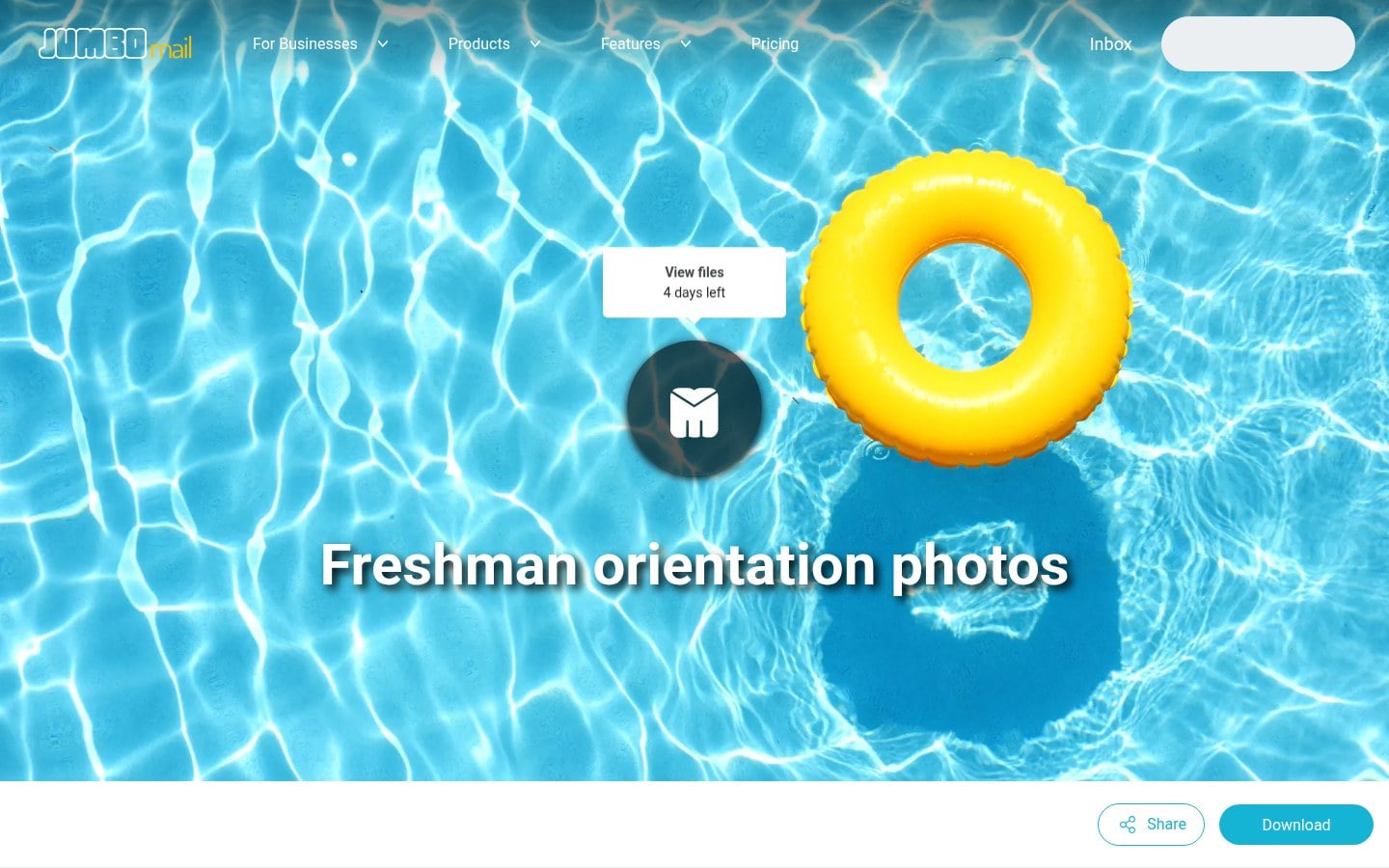
 Freshman orientation video · 7 days
Over your school's size limit: sent with JumboMail
Uploading…

Decide how long student files are kept
You set how long files are kept: up to 180 days, and longer under your Enterprise agreement.
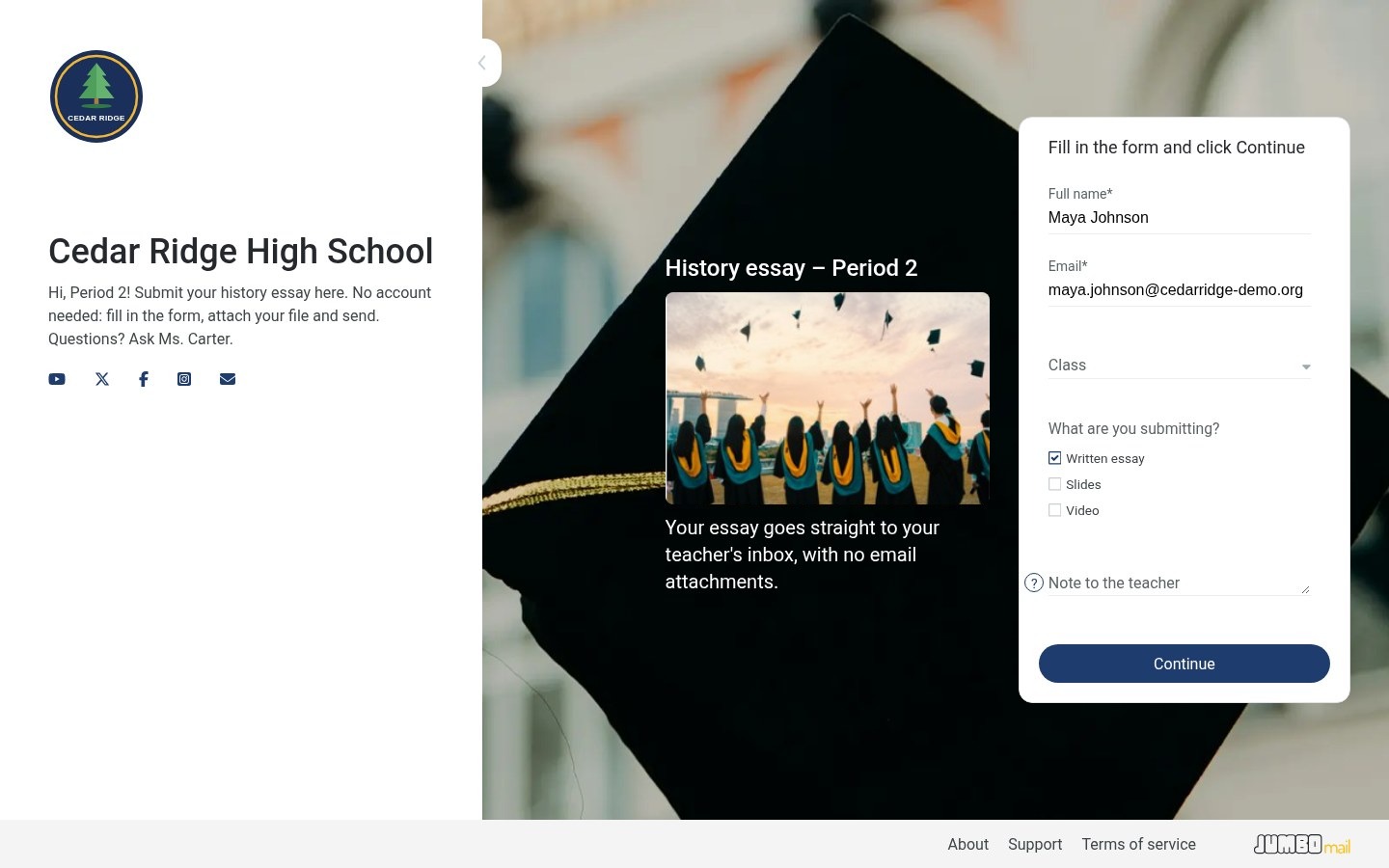
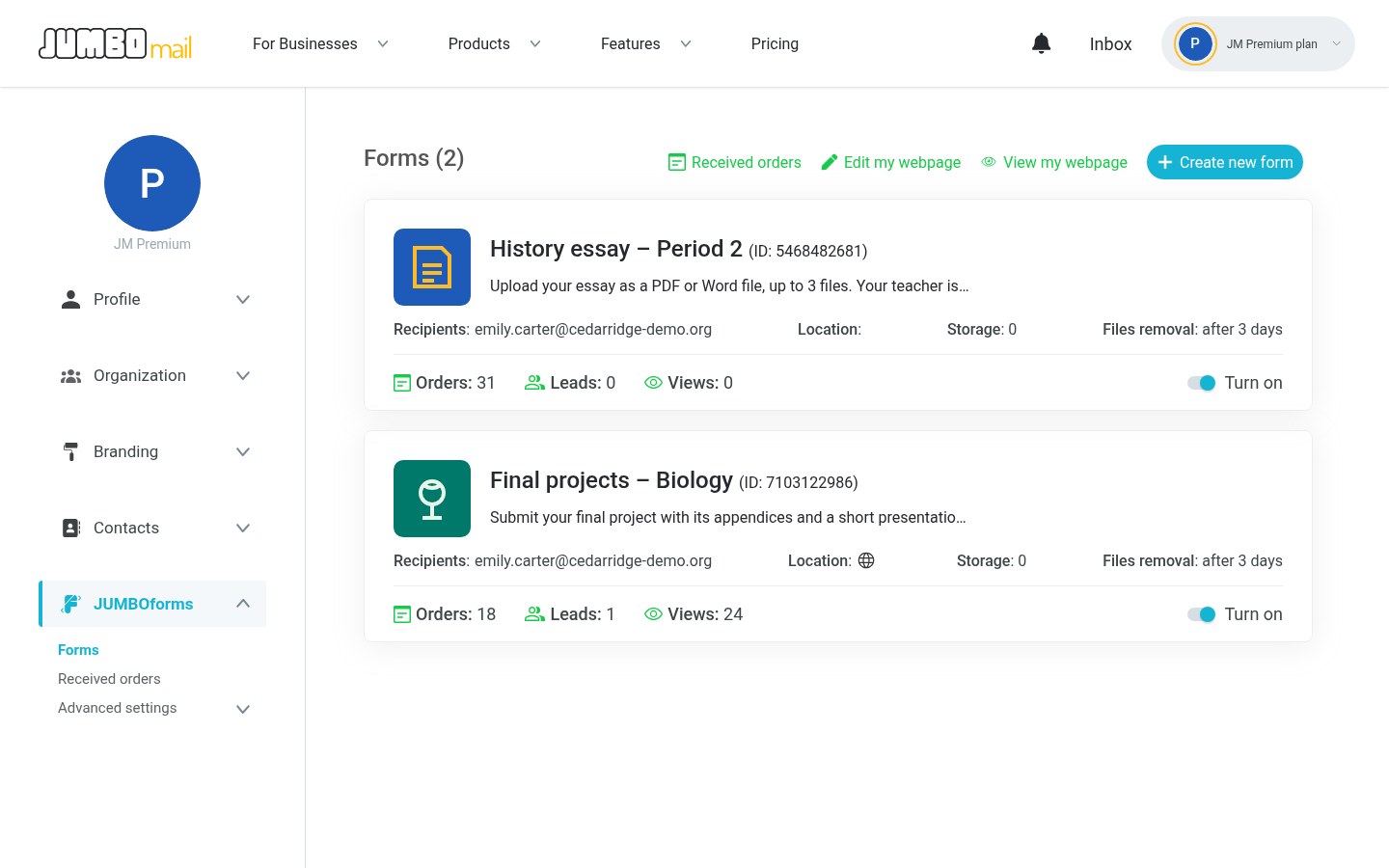
Collect student assignments with JUMBOforms
A branded submission form: students upload files without an account, and you get an email when the form is filled in and another when the upload is complete.
- Limit the file types and the number of files per submission.
- Export the list of submissions to Excel or CSV.
- Share the form with the teachers on your team.
Common questions
Enterprise: SSO, the private environment, CDR, one-time codes, white label, the audit log, users and roles, and two-factor authentication for all staff.
As many as you need: the number of users is set in your Enterprise agreement, with one shared storage pool.
As large as your Enterprise agreement sets: the size per transfer is agreed with your institution.
Yes, on Enterprise: Google Workspace or Microsoft 365, and only addresses on your domain can join.
On Enterprise, it goes through CDR and an antivirus scan: the file is rebuilt without its active content before anyone on staff opens it.
Yes, on Enterprise: a log of sign-ins and account activity, exportable to Excel or CSV. The account owner and admins can see it.
With JUMBOforms: a branded form that students fill in and attach files to, without an account. You get an email when the form is filled in and another when the upload is complete.
Yes: limit the delivery to its recipients and add a password, view only, a download limit or a one-time code.
No. They get a link. If you limit a delivery to its recipients, they confirm their email address; with a one-time code, they enter the code sent to their phone.
By text message or voice call, to the phone number the sender entered. Once the code is entered, the file can be downloaded.
See it with your school's setup
Leave your details and we'll show you secure file sharing for education, set up the way your school or campus works.
More about EnterpriseWe'll use your details only to contact you about a demo. Privacy Policy


