
Secure file sharing for financial institutions and insurers
Send customer documents, claim files, credit applications and reports between teams, customers and outside parties. Bring sending and receiving into one controlled environment, with user permissions, access settings and download tracking.
 Private environment
 Users and permissions
 SSO sign-in
 Sanitization and antivirus
 Recipient verification by SMS
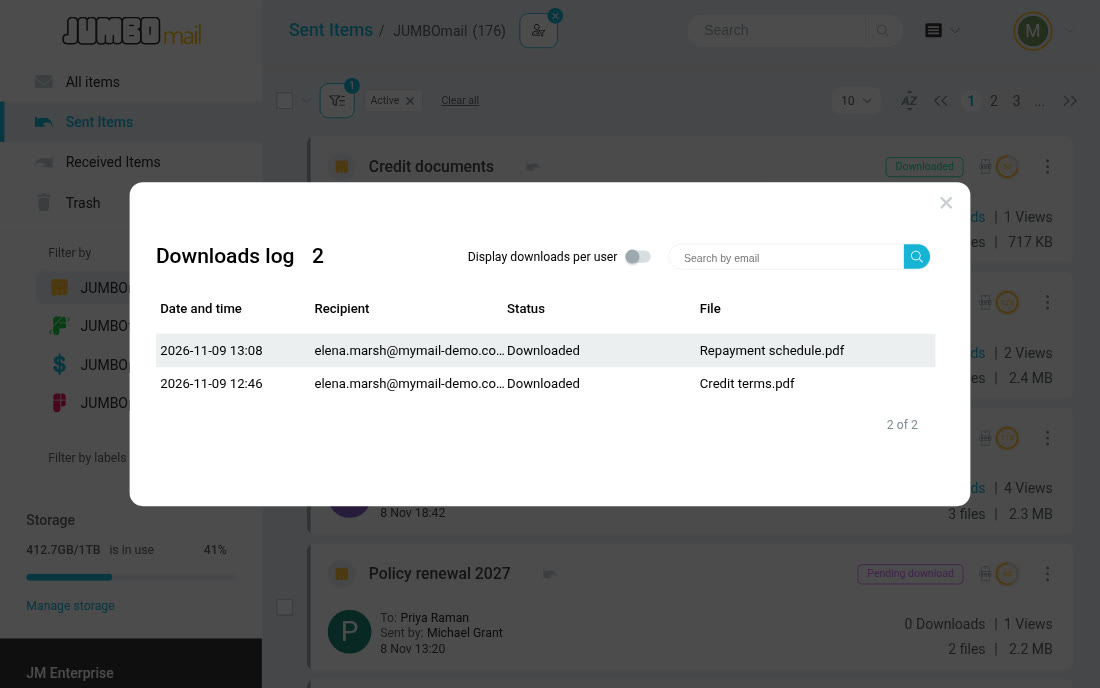
 Download tracking
From receiving documents to sharing them
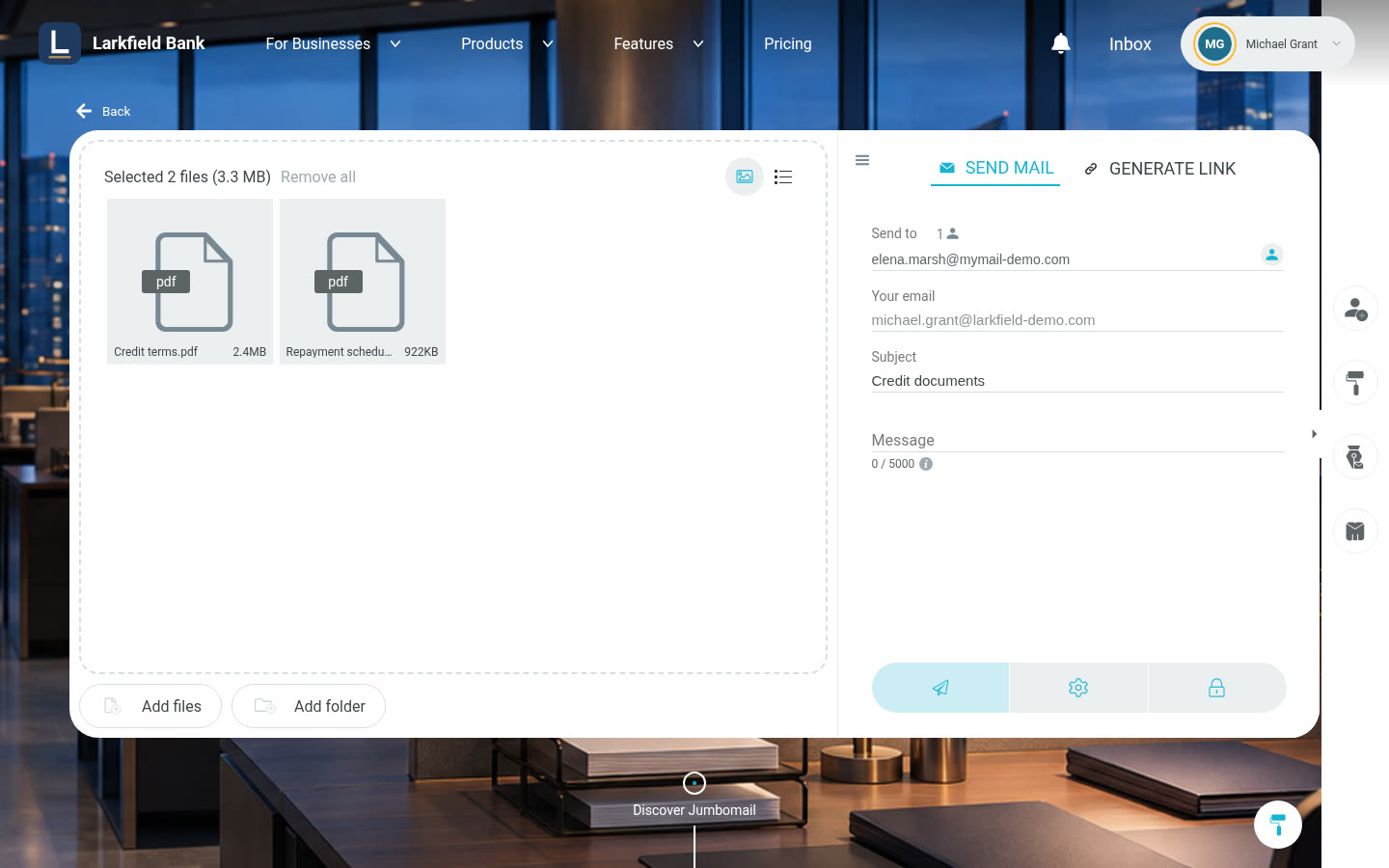
Receive documents from customers, share them with the people handling them, and send the finished documents to the recipient. At every step, JUMBOmail's protection, access and tracking features work according to the settings you choose.
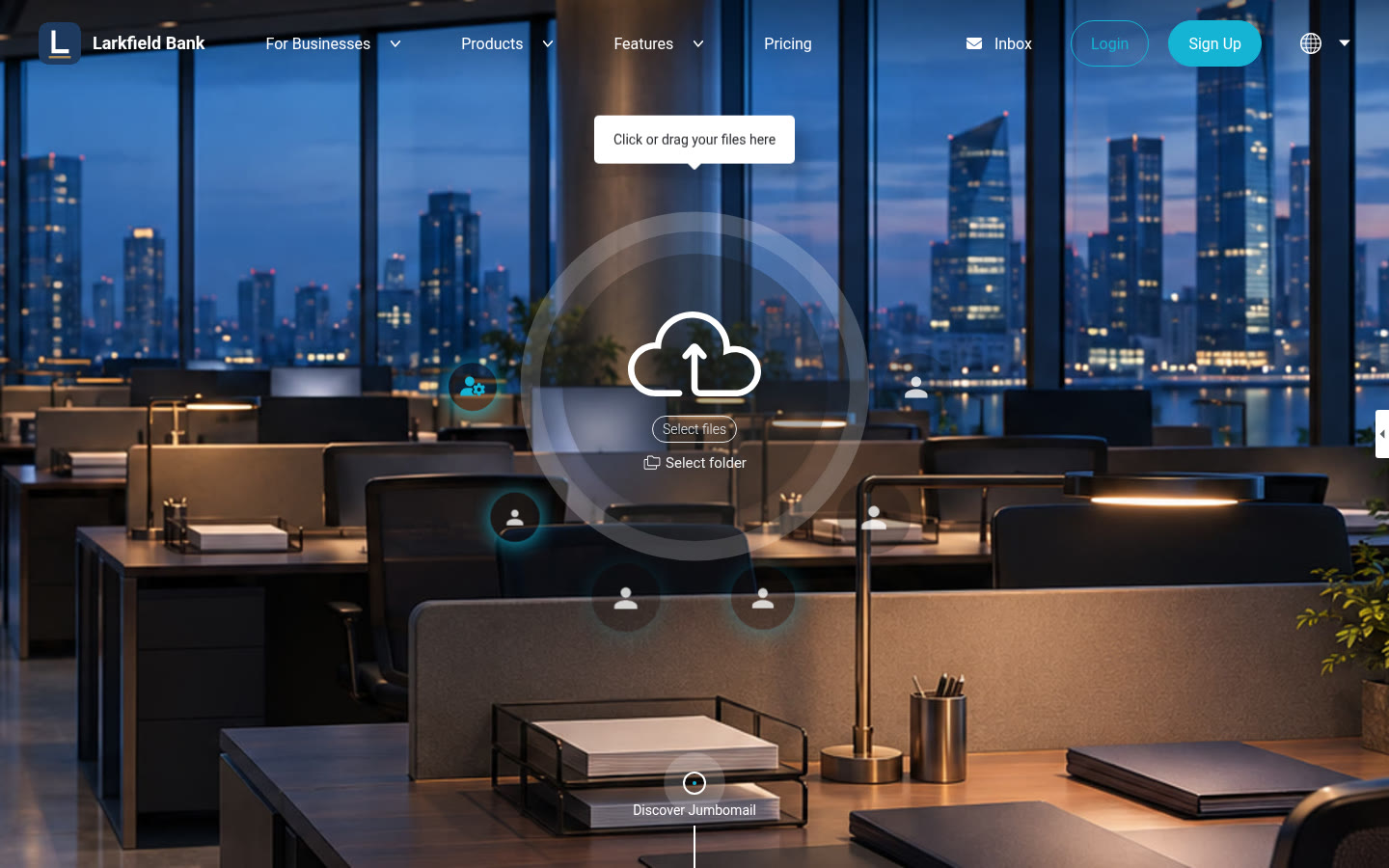
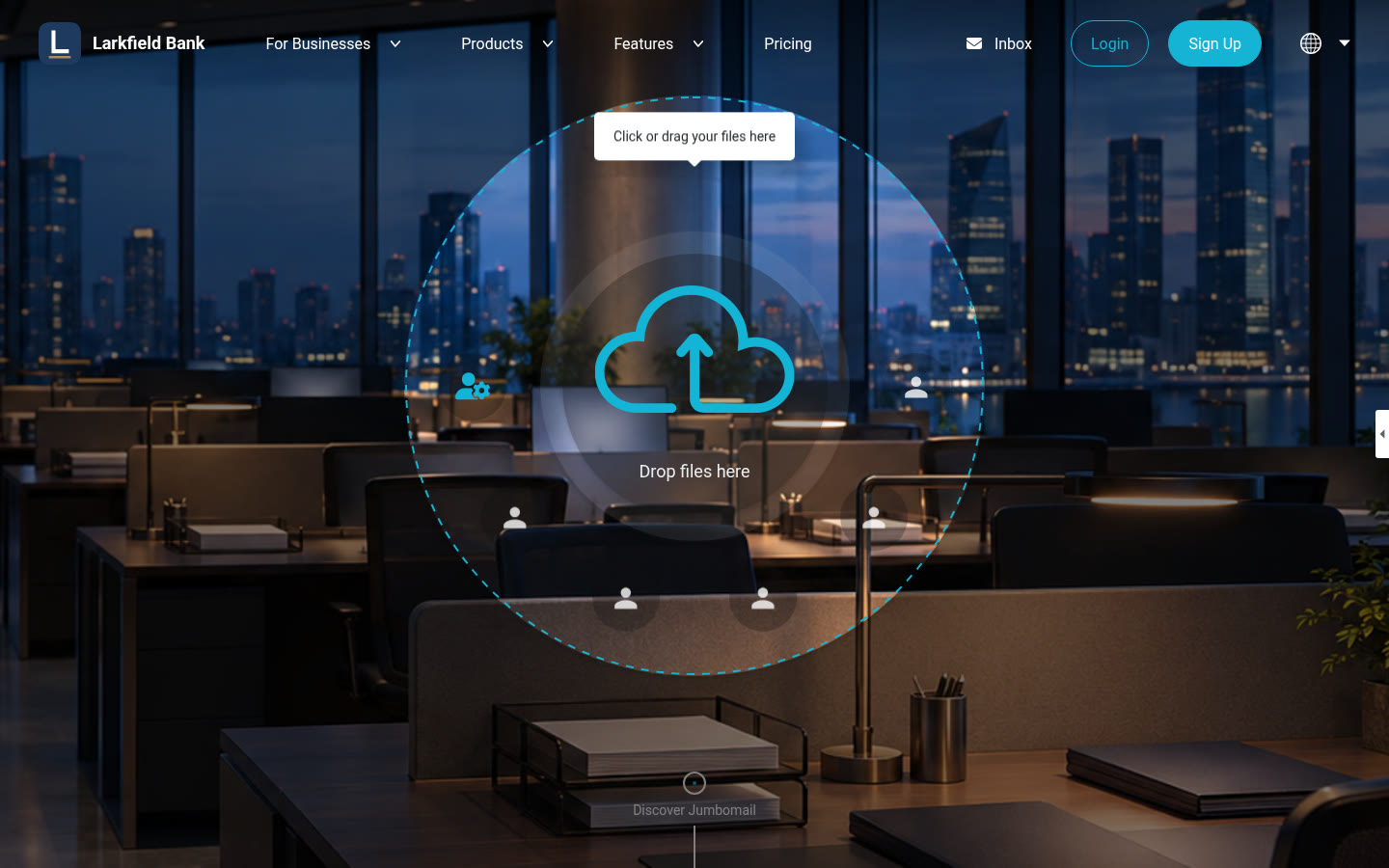
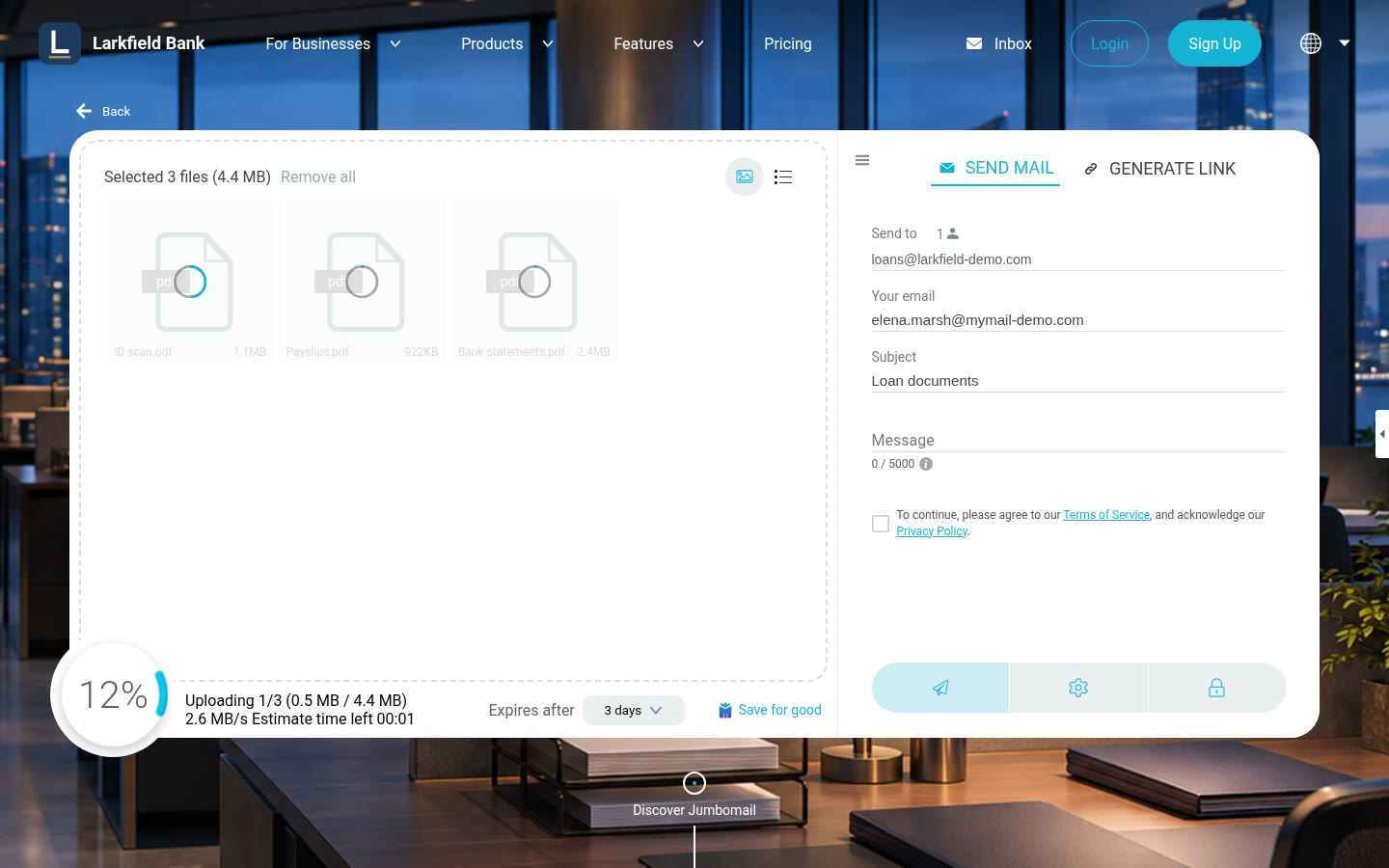
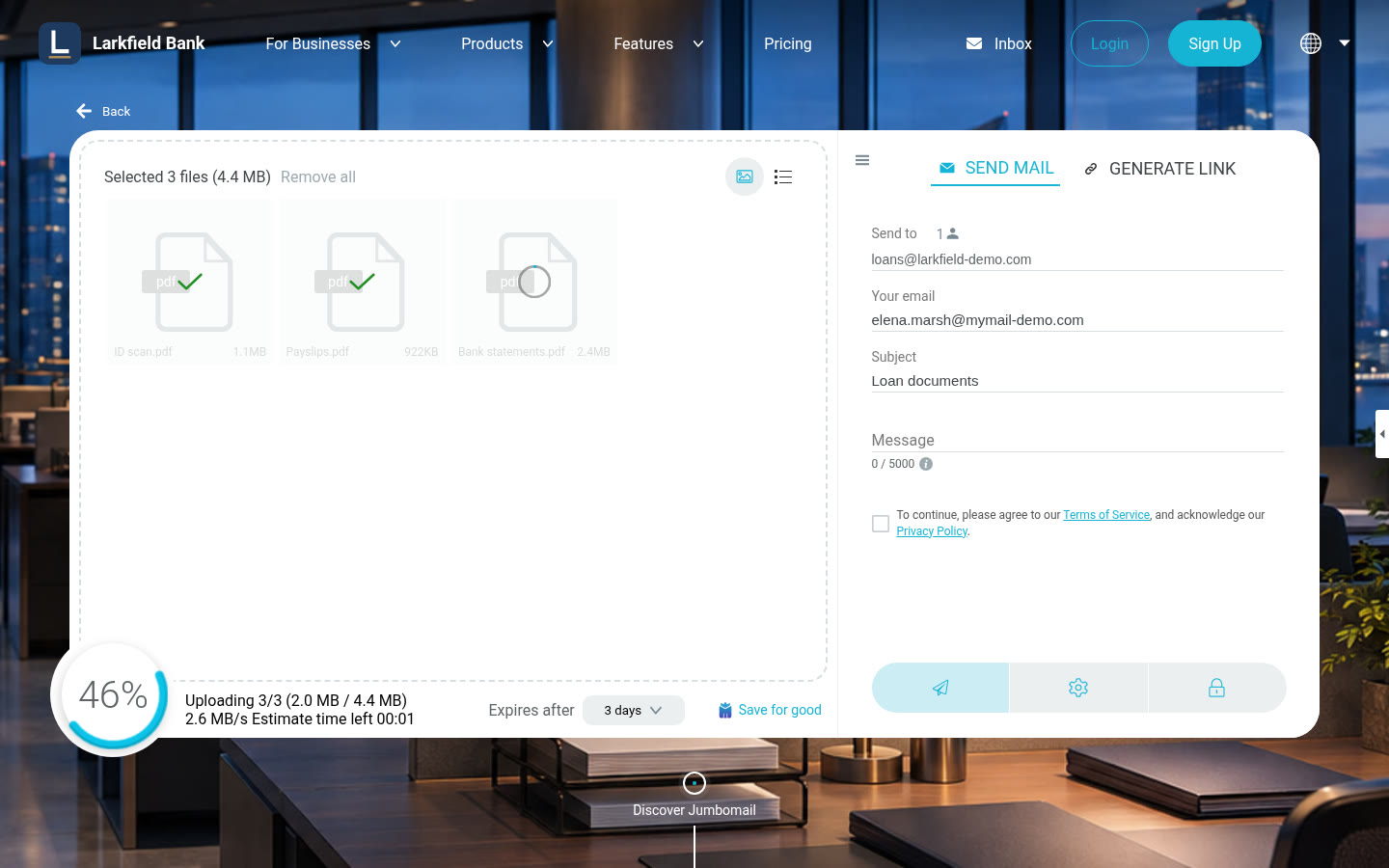
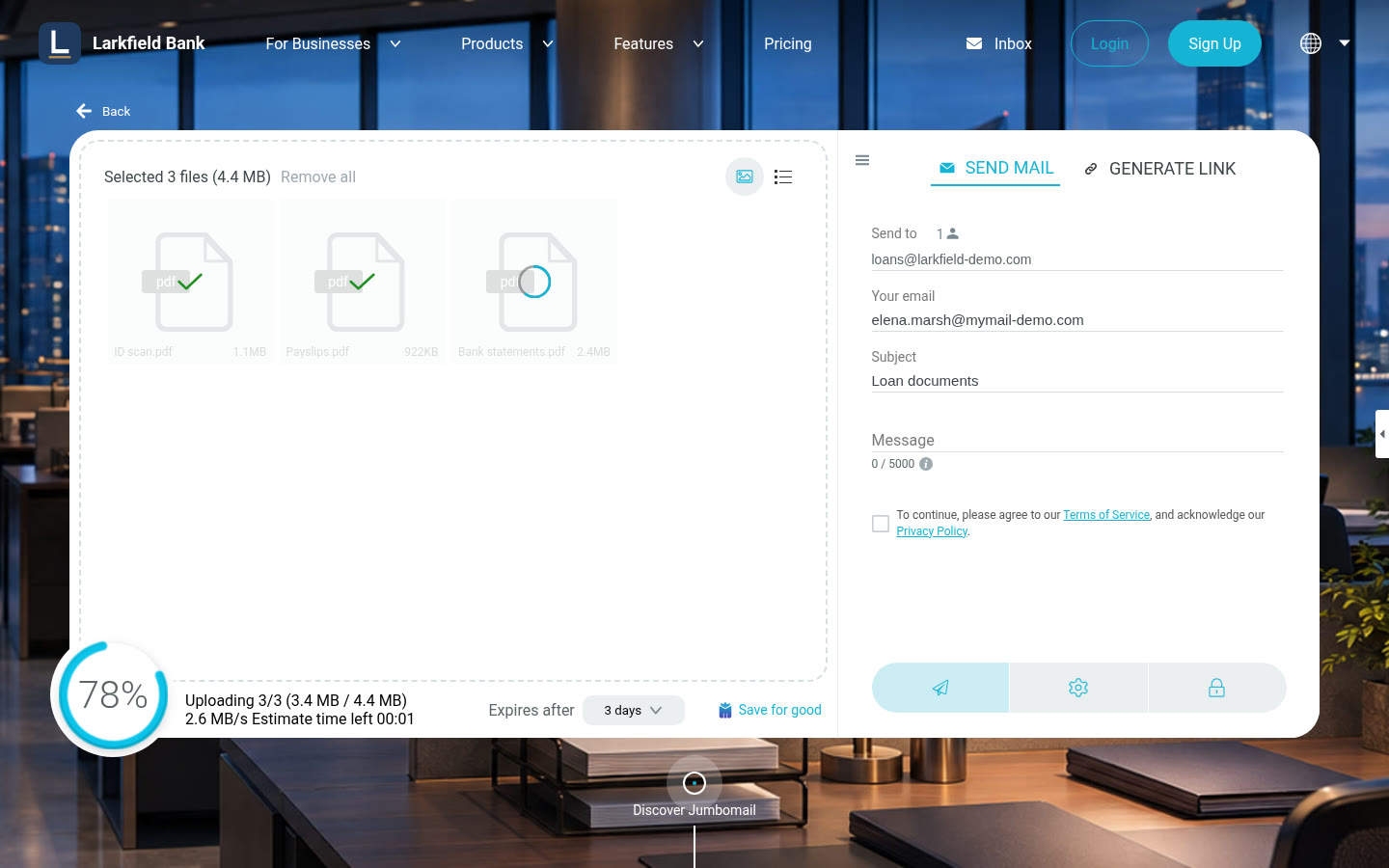
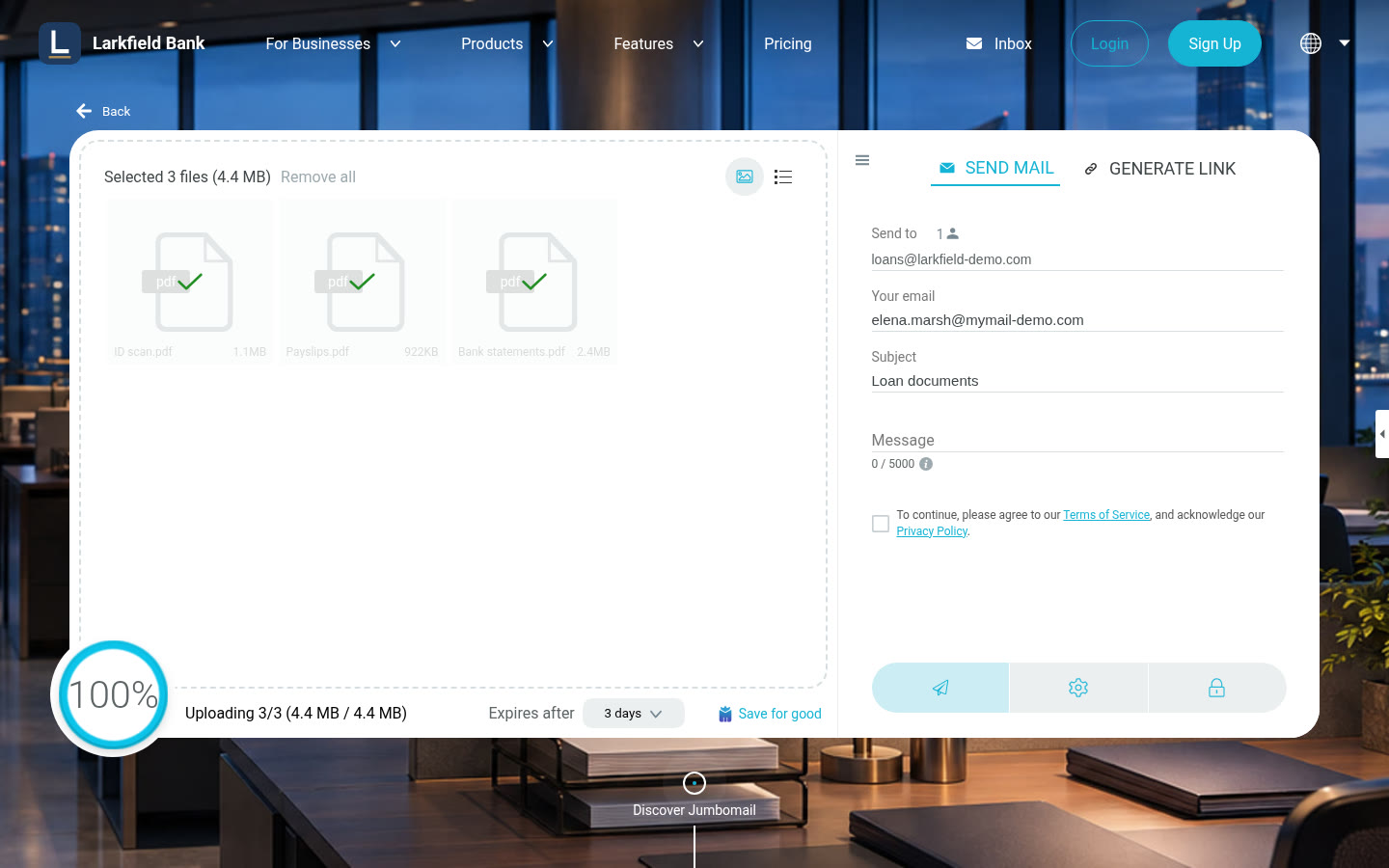
Customers upload the documents you need
ID scans, payslips and bank statements go up through the send form on the bank's own page, at its address and under its name and logo, and reach the credit team as one delivery.
 Credit applicationElena Marsh
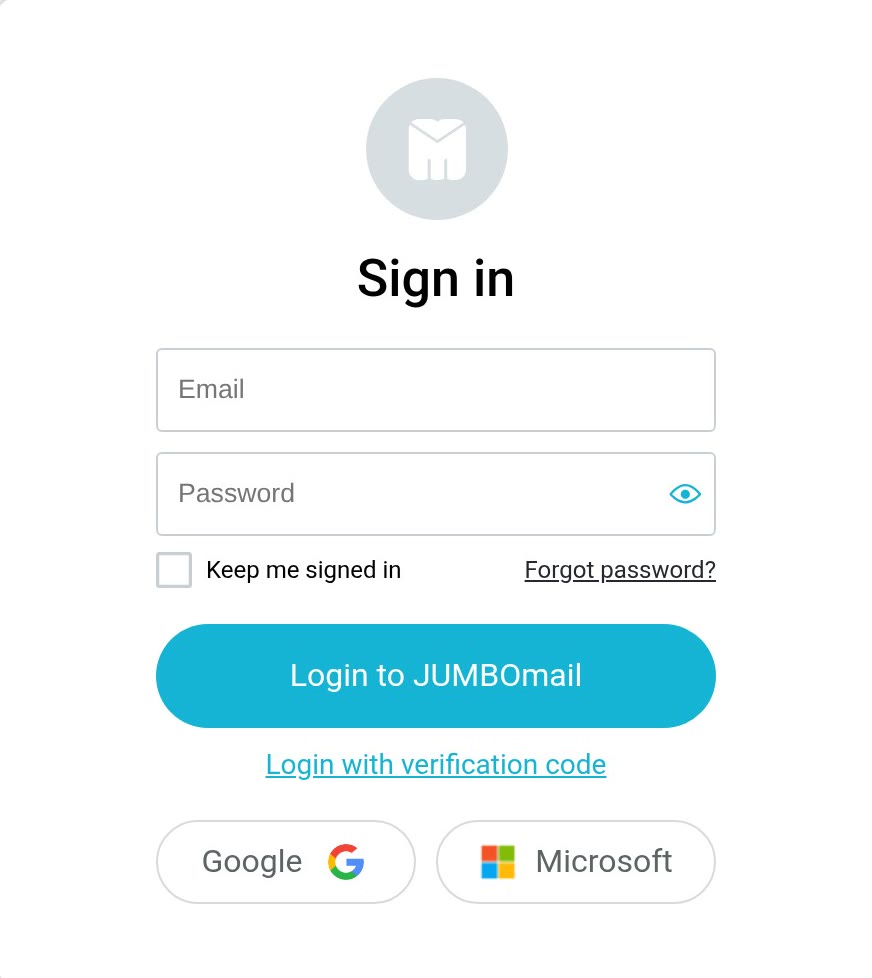
 Single sign-on (SSO)
Sign in with Microsoft 365 or Google Workspace
Let your employees sign in to JUMBOmail with the work account they already use, with no extra password. Manage access under your organization's policy, and update permissions when someone changes role or leaves.
Security and compliance
Sharing financial documents calls for protecting sensitive information and controlling who can access it. JUMBOmail combines security controls with ongoing testing, and keeps information on its certifications and reports in one place, so your information security team can review the service.
Go to the Trust Center (opens in a new tab) ISO/IEC 27001
 ISO/IEC 27017
 SOC 2 Type II
 GDPR
Certifications and reports
JUMBOmail is certified to ISO/IEC 27001 and ISO/IEC 27017 and holds a SOC 2 Type II report. Your security team finds the documents in our Trust Center.
Independent penetration tests
An independent penetration test every year, alongside continuous vulnerability scanning.
What you control on every delivery
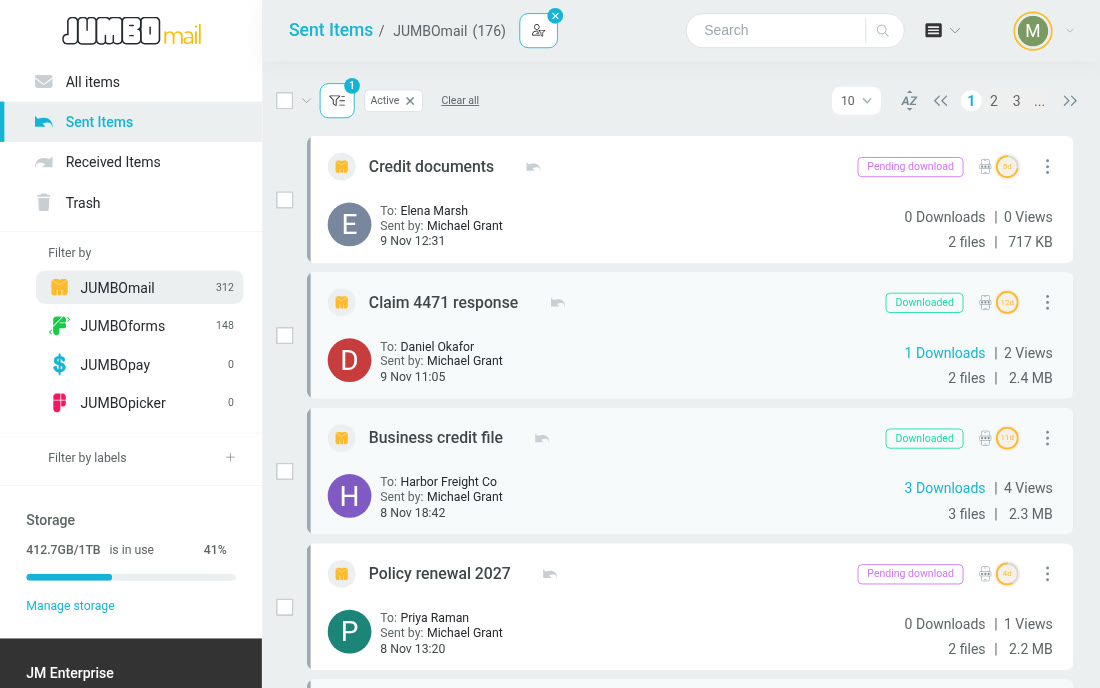
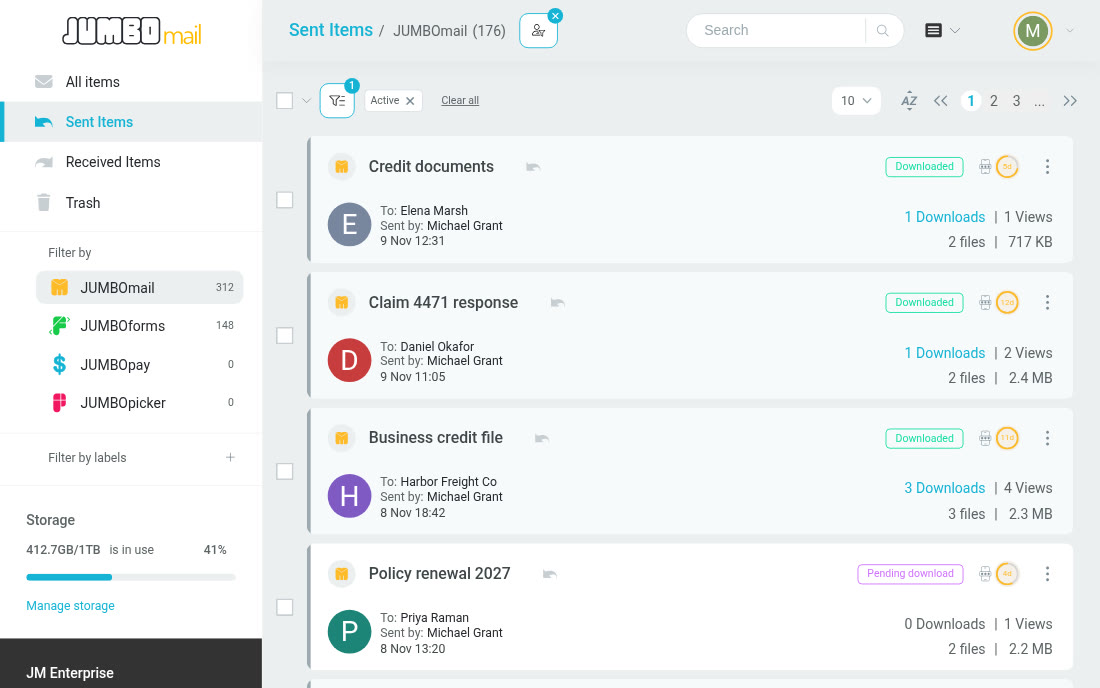
A password, access for listed recipients only, a download limit or recipient verification by SMS, as each delivery needs. Separately, the delivery's download log records who downloaded and when.
Private environmentA private JUMBOmail environment for your institution
At the Enterprise One service level, Private JUMBOmail gives your institution its own file-sharing environment under its own private domain, such as files.larkfield-demo.com, with a dedicated application server and separate storage that are not shared with other customers.
The JUMBOmail team sets up, manages and maintains the environment, including monitoring and security updates, so your institution gets dedicated infrastructure without running servers itself.
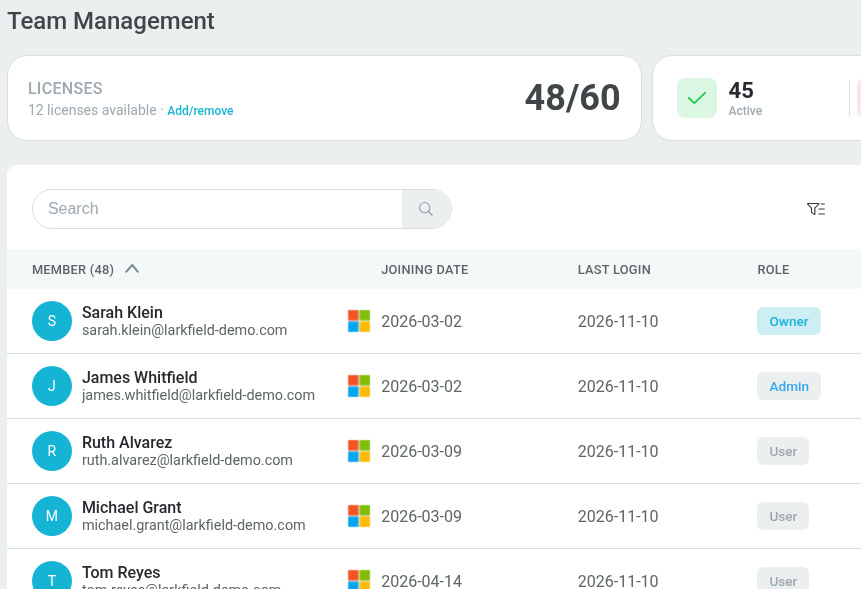
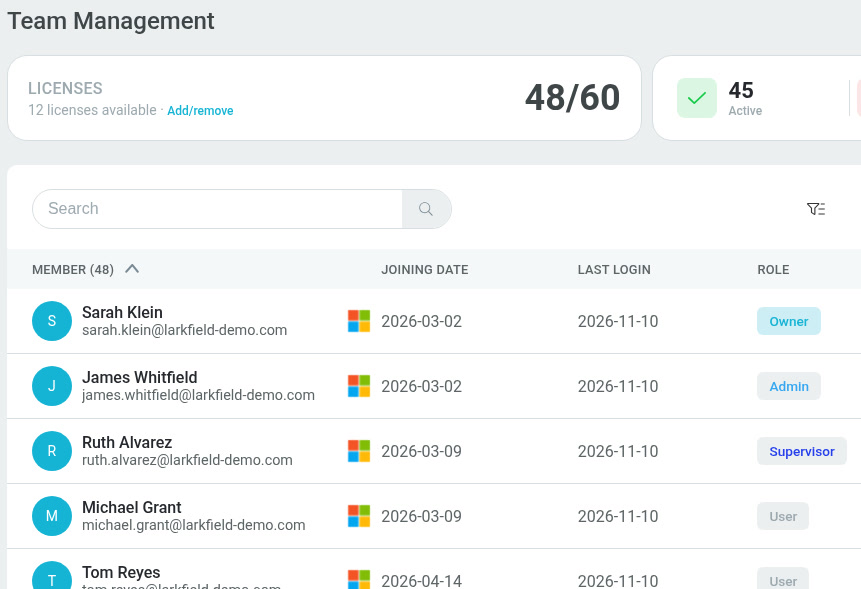
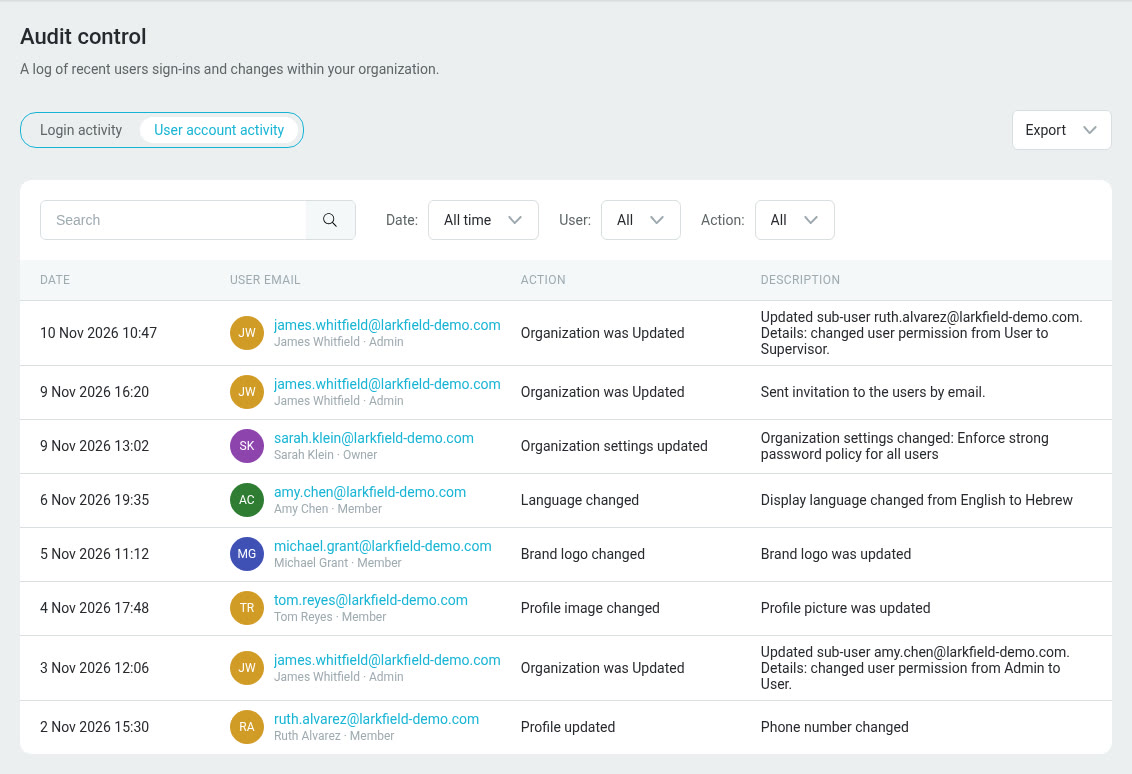
Users and permissionsCentral management of users and file access
Manage your organization's users and give each employee a permission level that matches their responsibilities. People with the right permissions can view the team's deliveries, while each user's access is set by their role in the system.
- Add, suspend and remove users, and update their permissions.
- View the team's deliveries, according to the permission level.
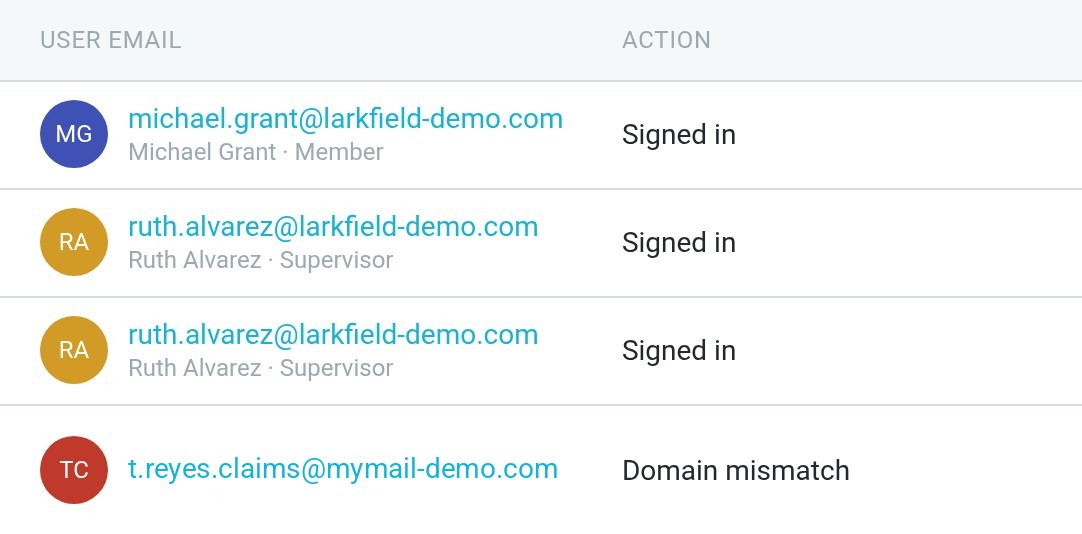
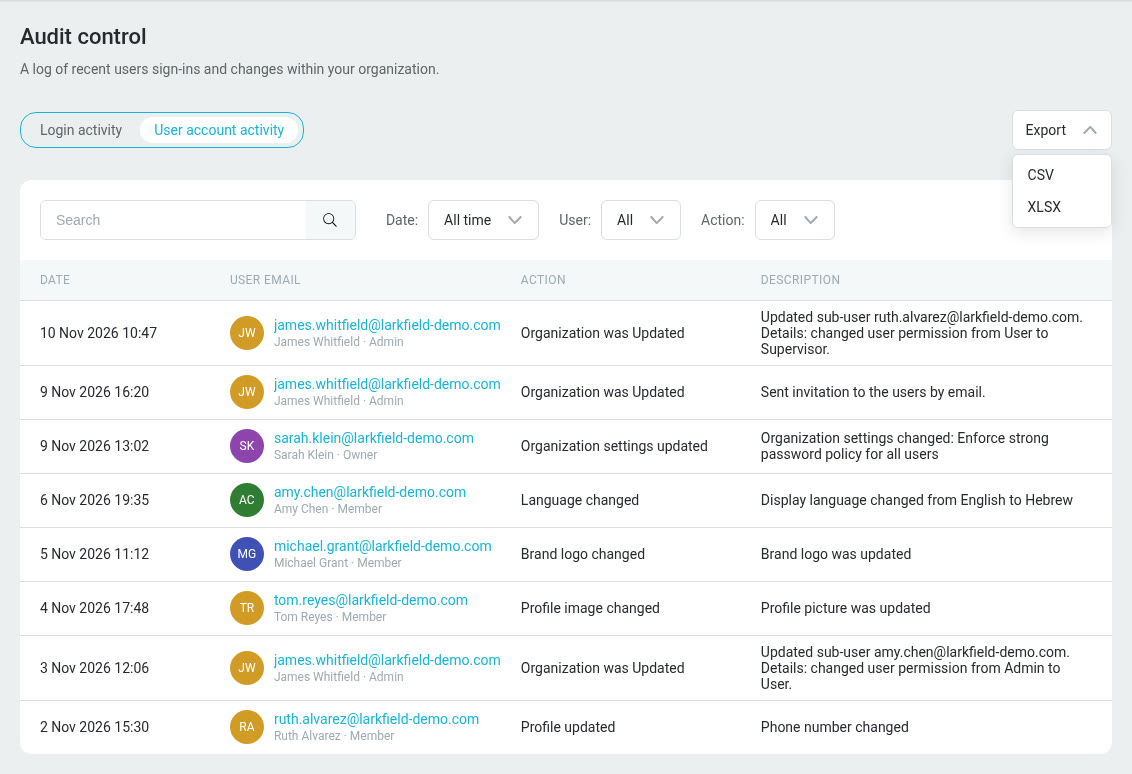
- Sign-ins and account changes recorded in the organization's audit log.
 File sanitization
An added layer of protection for documents from outside
Claim documents, payslips, reports and supplier documents reach your organization from outside sources. The file sanitization service combines antivirus scanning with CDR technology to reduce the risk of harmful content in the files you receive.
 CDR + antivirusThe process scans the files, neutralizes risky components and rebuilds supported files before they are available for your team to download.
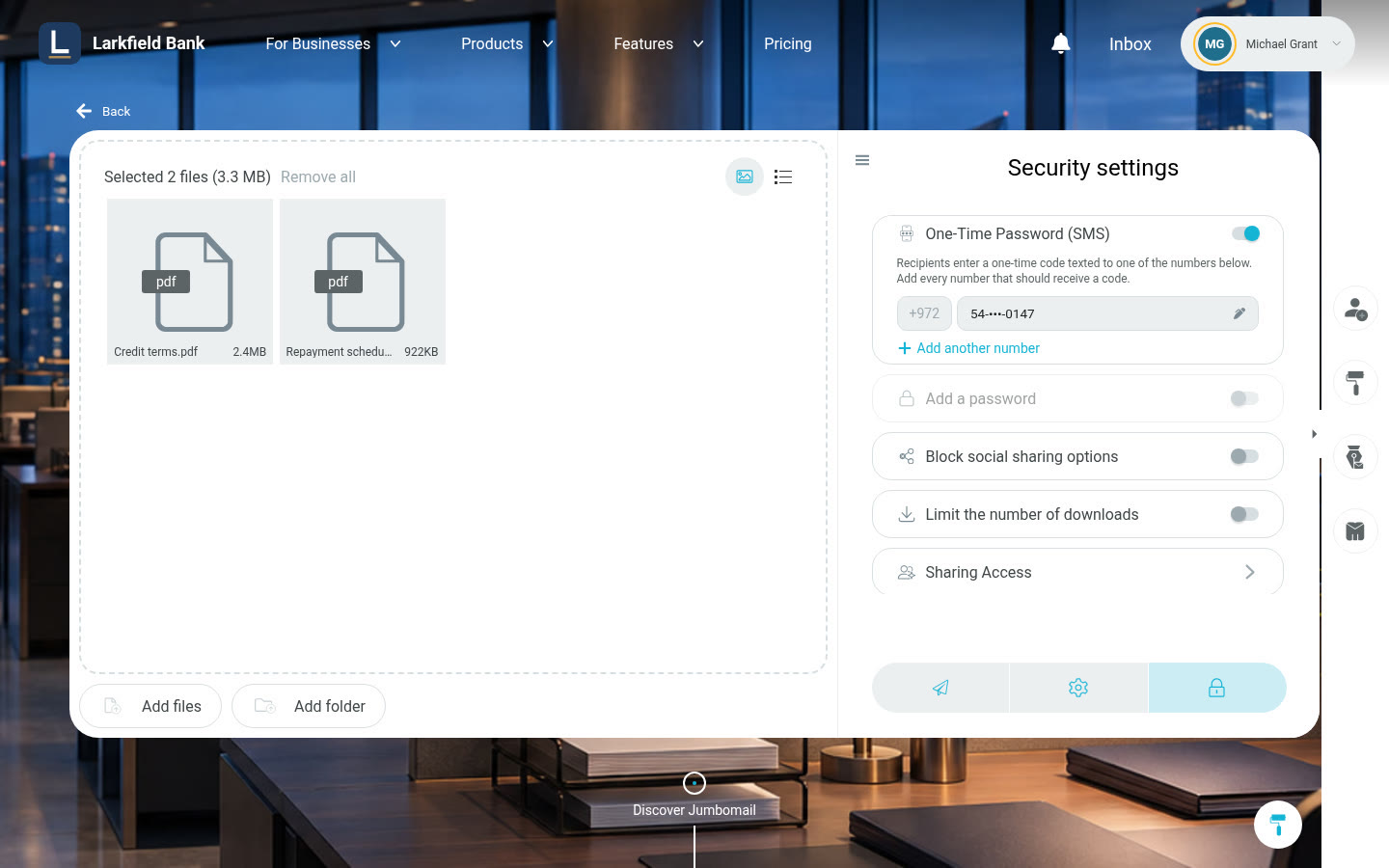
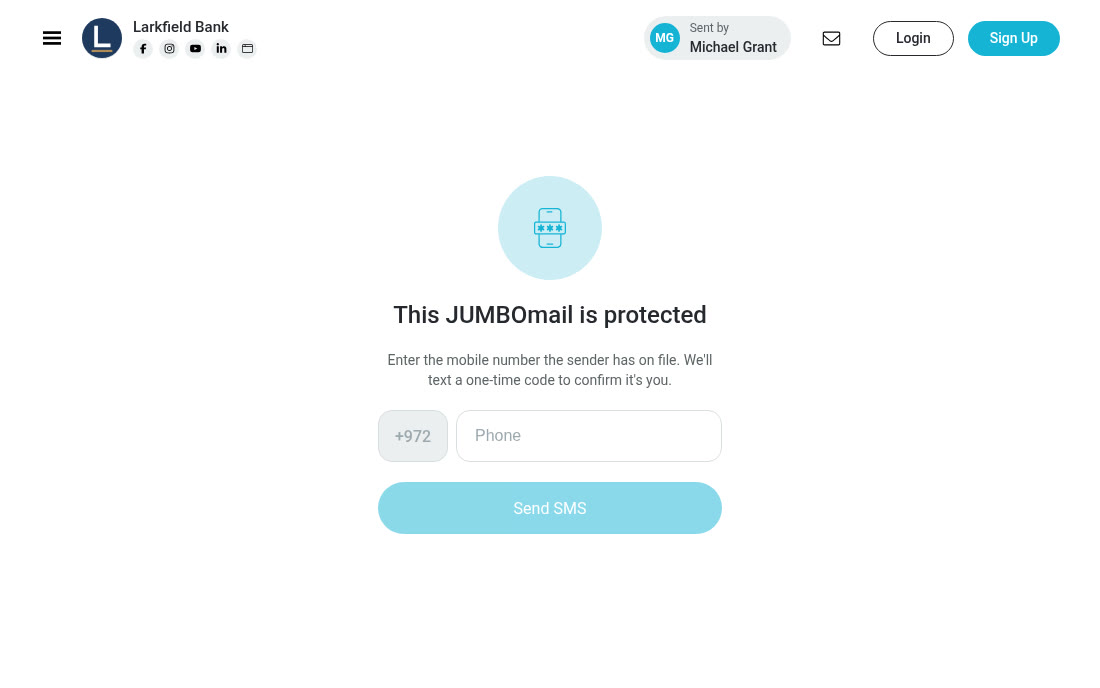
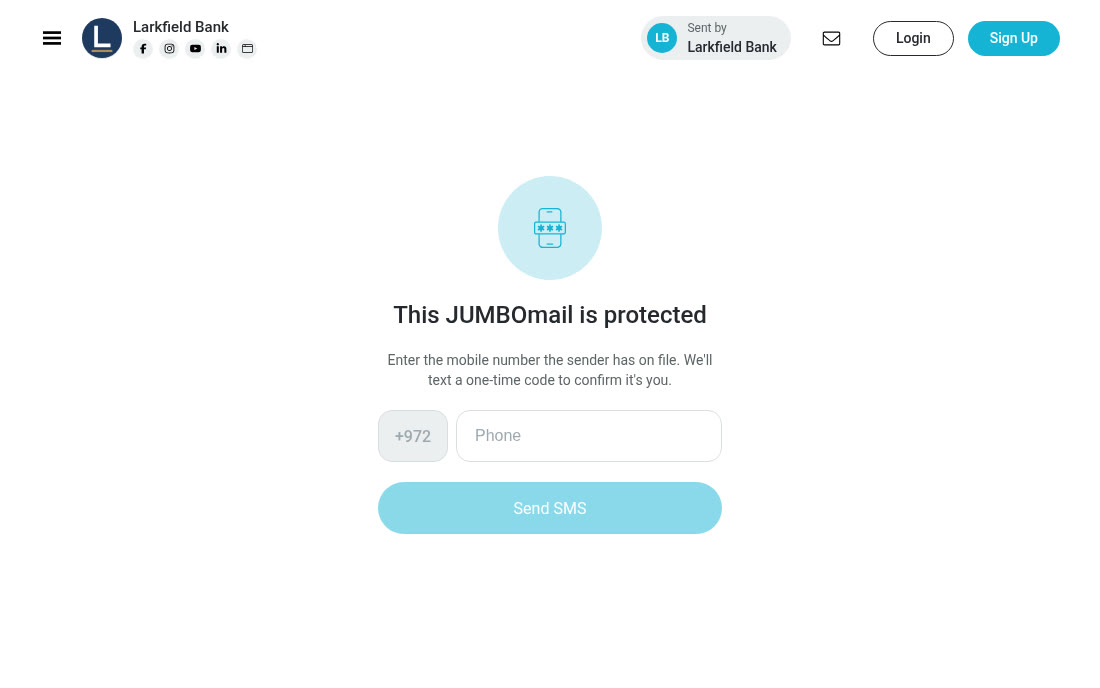
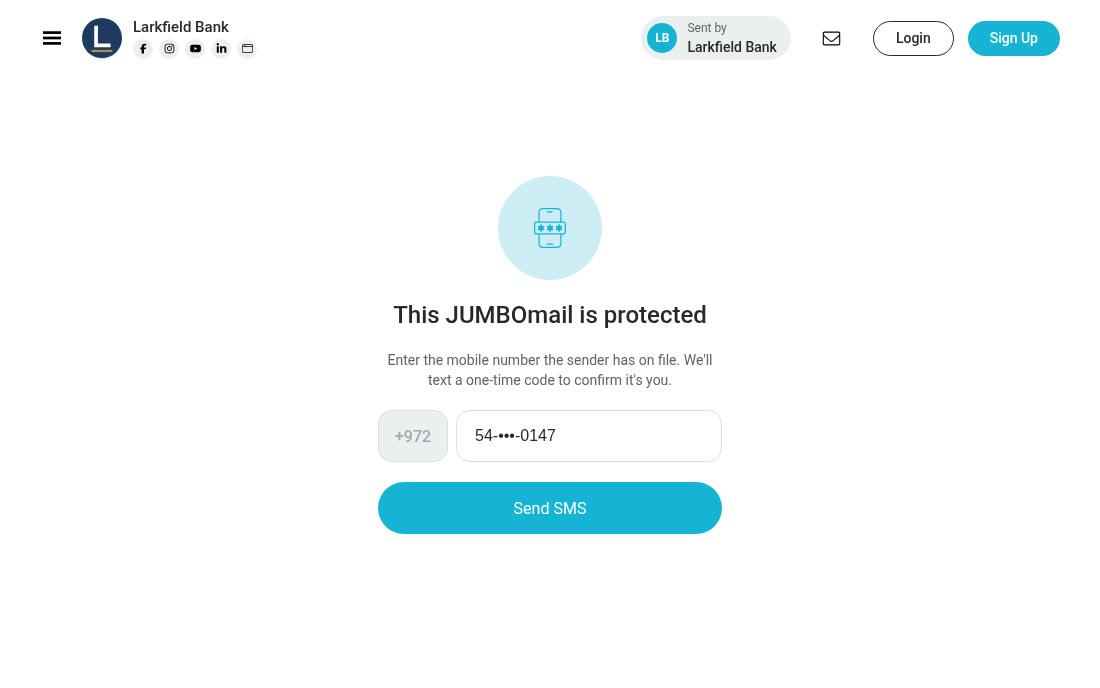
Recipient verification by SMSExtra verification before sensitive documents are downloaded
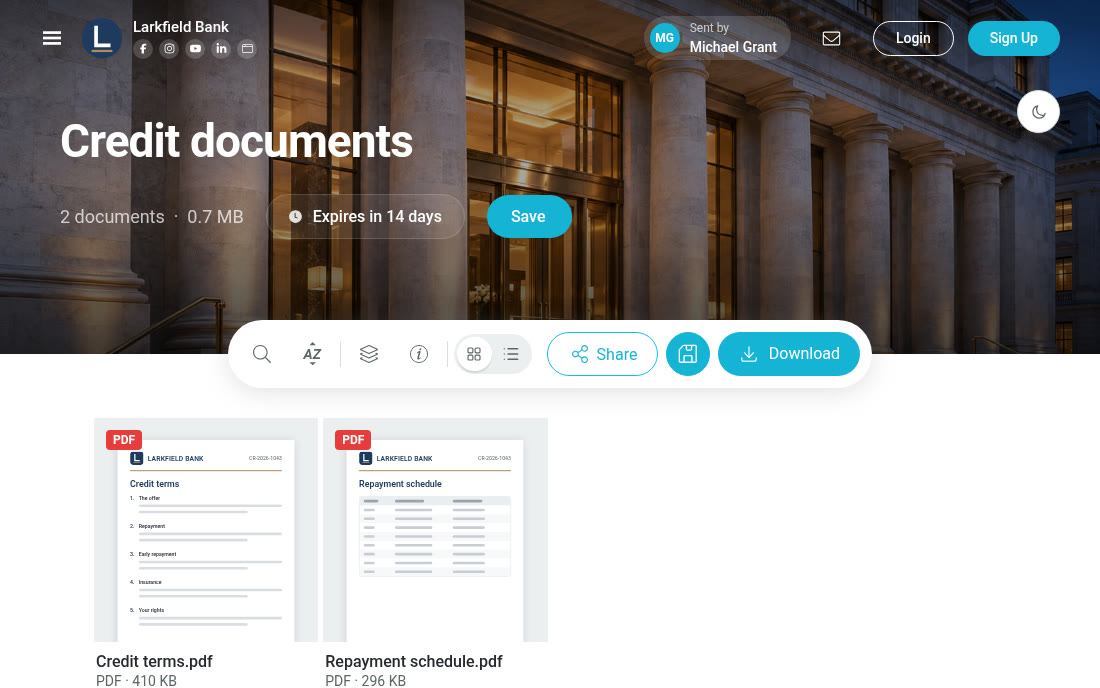
Share credit documents, reports and claim response letters with an extra verification step before download. The recipient gets a one-time code by SMS or voice call, and the files can be accessed once the code is entered.
 By SMS or voice callThe code is sent to the phone number the sender set for the delivery.
Recipient verification by SMS, to a mobile number

 Branding | White label
File sharing under your institution's name and brand
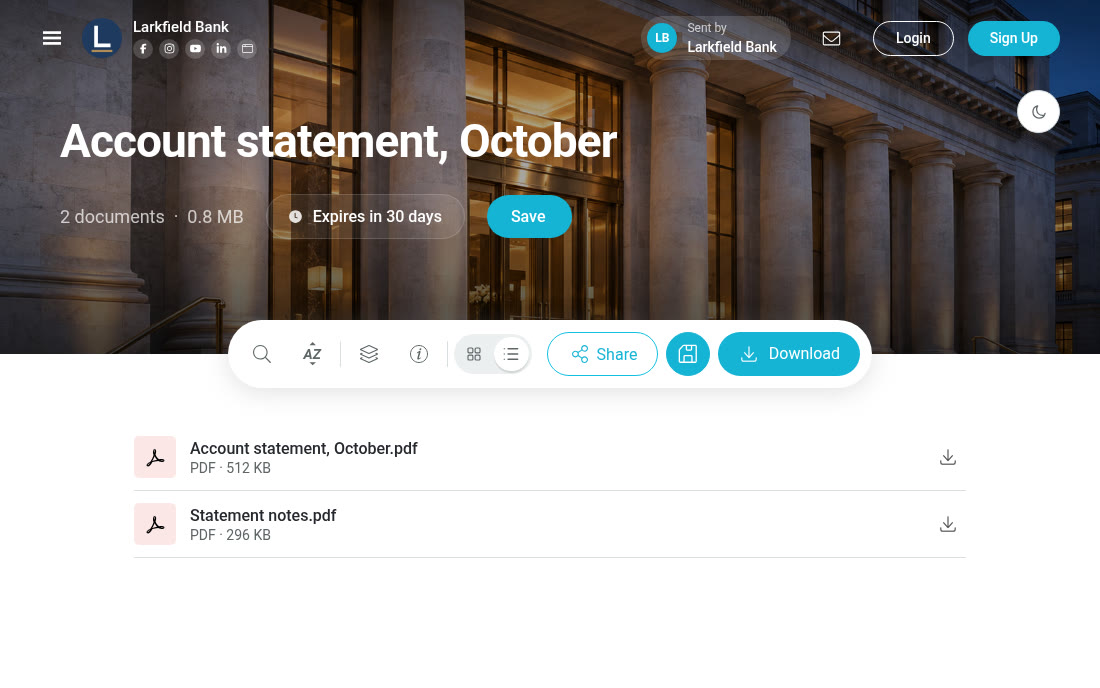
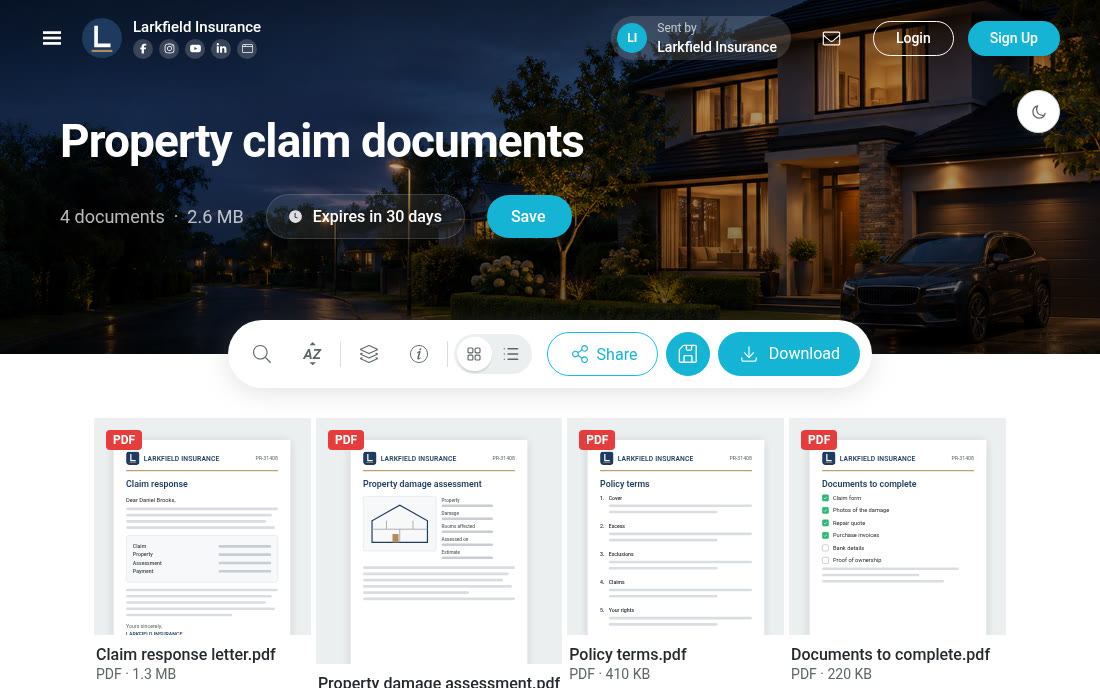
Give customers and partners a file-sharing environment they recognize as yours. Your logo and branding appear on the upload and download pages and in the email messages, and at the Enterprise One service level access goes through your organization's domain.
 12
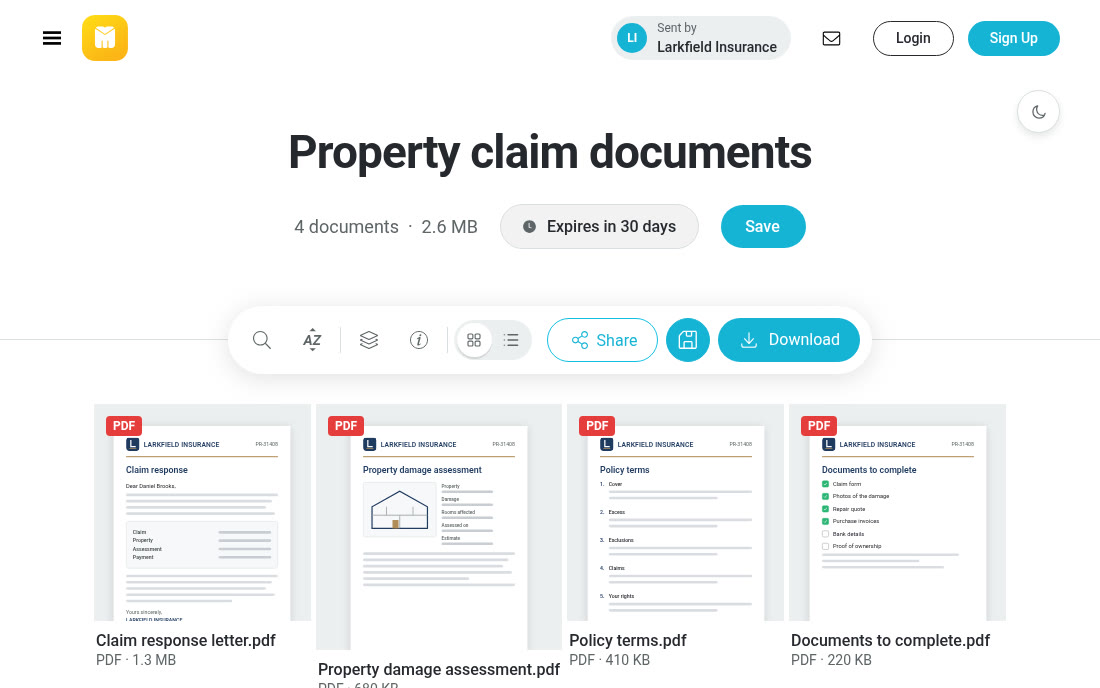
- 1Logo
- 2Background image
- 3Address
- 4Email message
 Outlook add-in
Send files directly from Outlook
Send credit documents, claim files and reports through JUMBOmail from within Outlook. Choose files in the add-in, upload them and add a download link to the message, without switching between systems.
 Shared 4 files via JUMBOmail

 File retention policy
File retention set by your policy
Set how long files are kept to suit your work and your organization's policy. The retention period follows the settings your organization chooses.
 Whole team
 JUMBOforms
Collect documents from customers, agents and suppliers
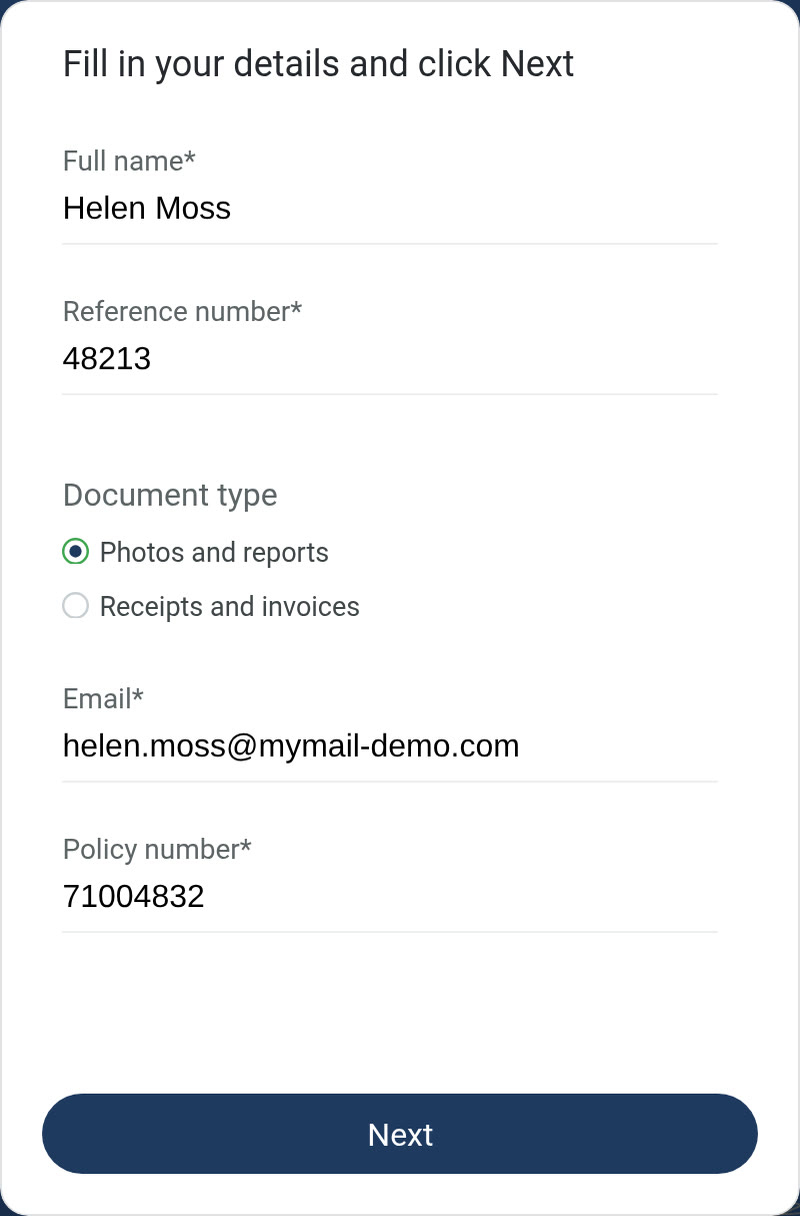
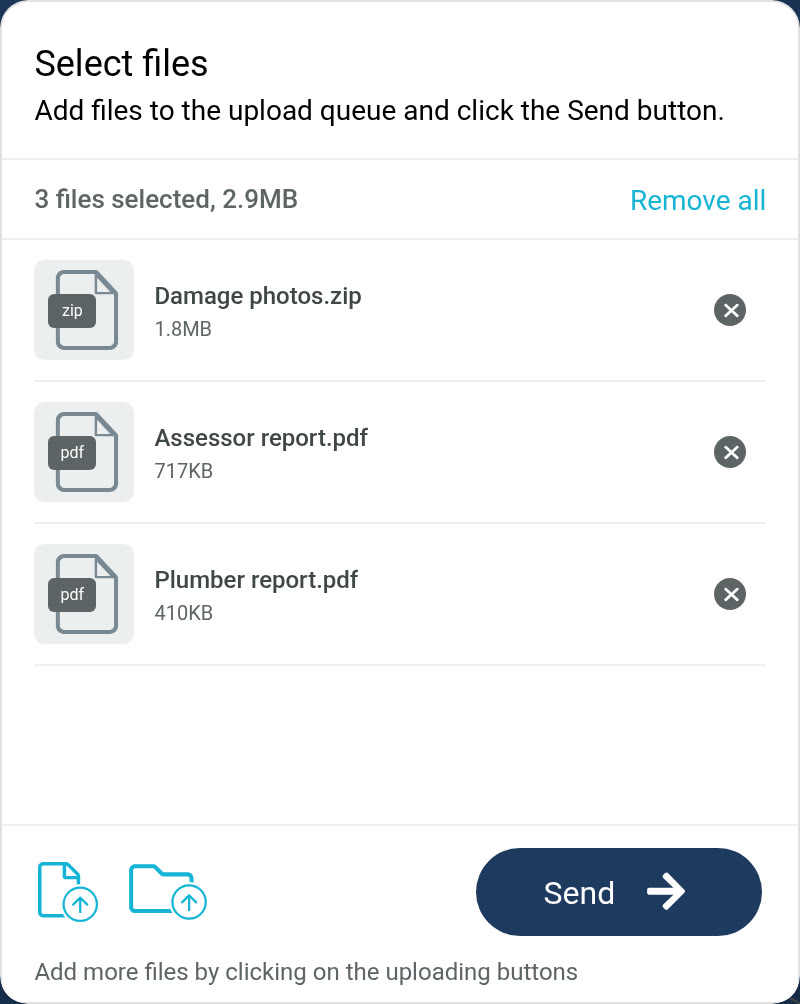
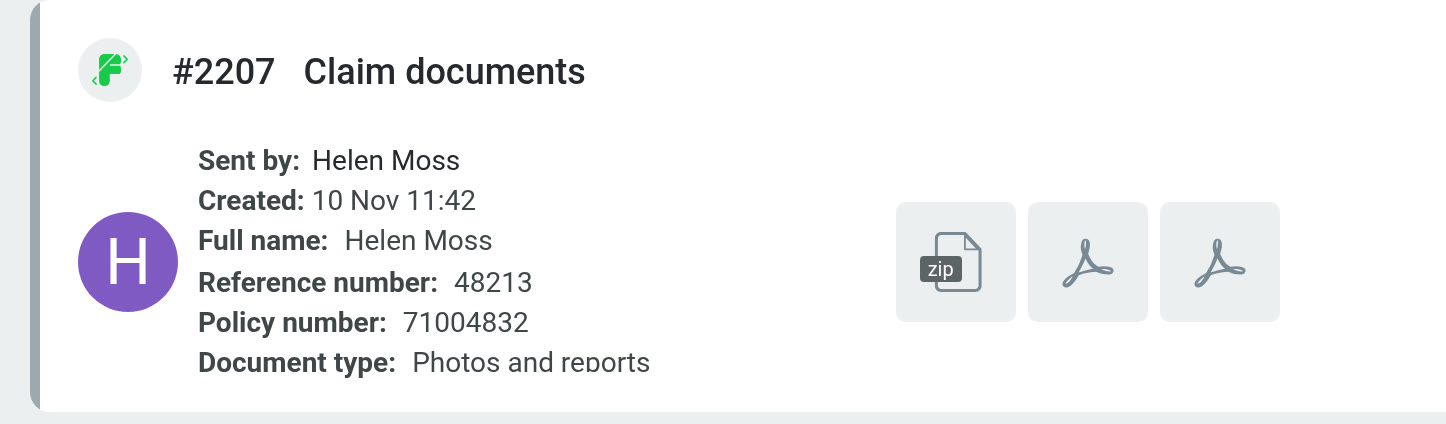
Let customers and outside parties fill in details and upload documents on a branded form, with no account needed. The files and details arrive together in your Inbox, and you get a notification when a submission is complete.
- Fit the fields to the process, such as a reference number, a policy number and the document type.
- Set the file types and the number of files allowed in each submission.
- Share forms with the right employees and export the list of submissions.

Questions financial institutions ask about secure file sharing
Insurers, banks, lenders and investment houses that need to send and receive files with employees, customers and outside parties in a controlled environment.
JUMBOmail is for sharing, sending and receiving files. It can fit into daily work beside your existing systems; connections to other systems are looked at separately.
You can receive files through JUMBOforms with no account. Downloads follow the access and verification settings chosen for each delivery.
The Trust Center brings together information on certifications, reports, and security and privacy documents. You can review what is available and contact the team about anything your review needs.
Yes. SSO lets people sign in with Microsoft 365 or Google Workspace, according to the service and organization settings.
At the Enterprise One service level: an environment under your organization's domain, with dedicated storage and a dedicated application server. JUMBOmail sets it up and maintains it under the service agreement.
You can use access settings, password protection and recipient verification by SMS, according to the capabilities turned on and each delivery's settings.
Access is set by the permission level in the system. People with the right permissions can view the team's deliveries, and a regular user sees their own.
The organization's audit log records sign-ins and account actions. Download data is shown in each delivery's details, so you can follow its download activity.
The retention period follows the settings and the policy your organization sets. Fit the settings to your organization's needs.
Yes. Choose files through the add-in, upload them to JUMBOmail and add a download link to the body of the message.
Let's fit file sharing to your organization's needs
Book a demo of sending and receiving documents, permission management and the security options, fitted to your workflows and your organization's requirements.
From another sector? JUMBOmail for organizations
We use your details only to get back to you. Privacy Policy


