Secure file sharing for healthcare
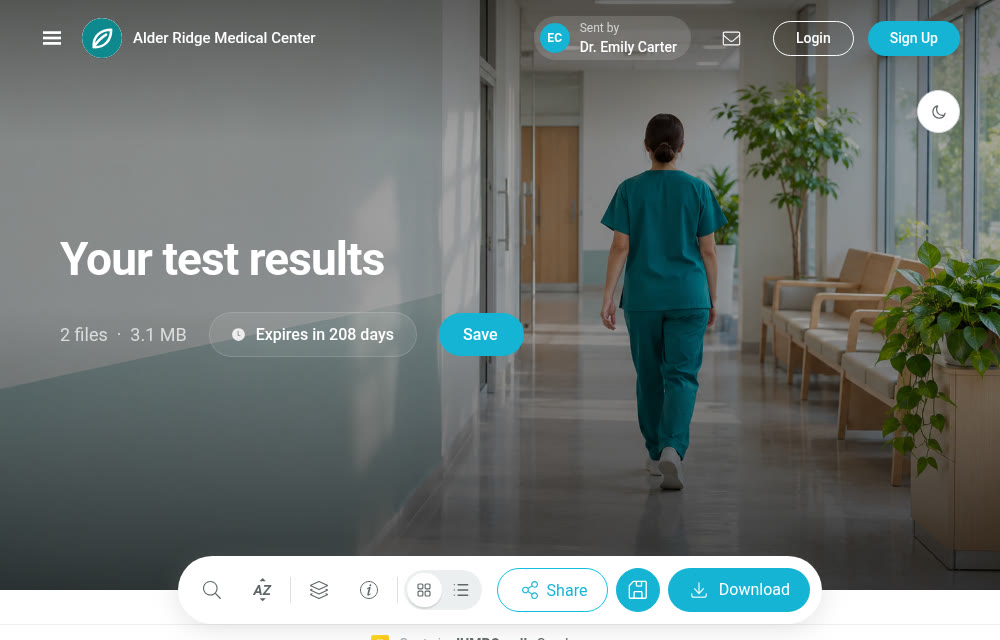
Share referrals, imaging files and lab results across care teams, patients and outside partners, all in a controlled organizational environment. You control file access, availability and recipient verification, while protecting the privacy of medical information.

- SentImaging center, 2:02 PM
- Code sent by SMSTo the number listed on the delivery
- OpenedDr. Emily Carter, 2:32 PM
 SSO sign-in
 Private JUMBOmail environment
 SMS recipient verification
 File sanitization and antivirus
 Documents via JUMBOforms
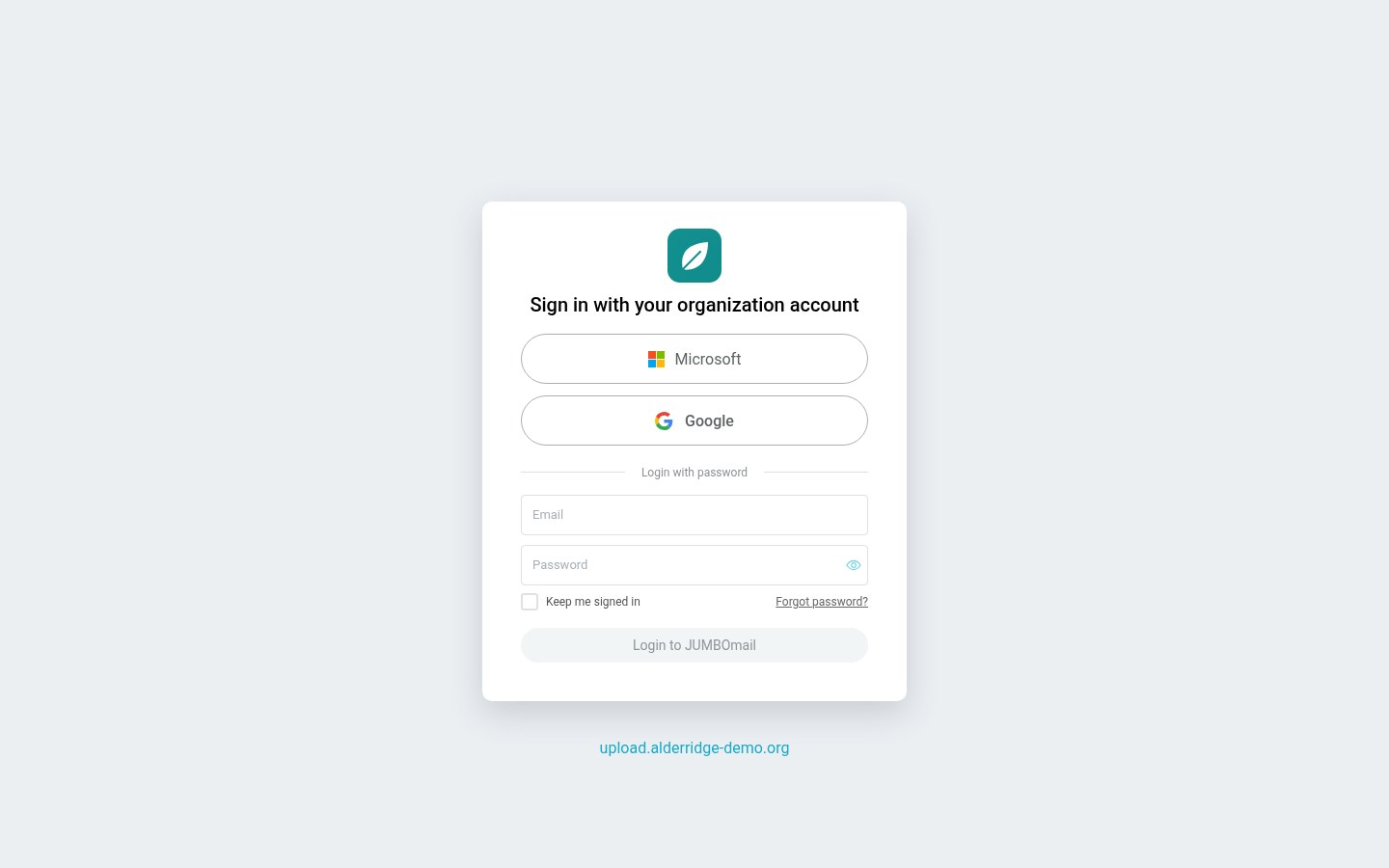
Sign in with your organization's Microsoft 365 or Google Workspace account
Let clinical and administrative staff sign in to JUMBOmail with the organizational account they already know, with no extra password.
Manage access centrally according to your organization's policy, and update or revoke permissions when someone changes roles or leaves.
Security and compliance
Go to the Trust Center (opens in a new tab)



- Certifications and reportsInformation on our ISO/IEC 27001 and ISO/IEC 27017 certifications, our SOC 2 Type II report, and security and privacy documents, all in the Trust Center.
- Independent security testingExternal penetration tests and ongoing vulnerability scans, as part of how the system is controlled and maintained.
- Control over access and sharingPassword protection, recipient verification by SMS, download limits and a record of download activity, according to your organization's policy.
A private JUMBOmail environment for your healthcare organization
At the Enterprise One service level, Private JM is a JUMBOmail environment dedicated to your organization, with storage kept separate from other customers. Your staff and recipients reach it through a domain your organization owns, for example upload.alderridge-demo.org.
Learn more about Private JM- CT Series 4
- Radiology report 8841.pdf
- MRI referral.pdf
Central management of users and permissions
Decide who manages accounts, who sees the team's deliveries and who only sends and receives files. An imaging center's management sees the team's deliveries in one Inbox view, while the records office adds and removes staff. Five permission levels: Owner, Account admin, Admin, Supervisor and User.
- The organization's audit log: sign-ins and account changes, searchable and exportable to CSV or Excel.
- Two-factor authentication for every team member, turned on by the Owner.
- One shared storage pool for the organization, with usage shown per user.
- Owner
- Account admin
- Admin
- Supervisor
- User
 Dr. Emily CarterSupervisor
 Daniel BrooksAdmin
 Dr. Olivia GrantUserSupervisor46%28%14%
Send medical imaging files securely between providers
An imaging center sends a CT study to specialists at another hospital. Here is how secure medical file transfer works with JUMBOmail:
- 1Send
Drag the study folder as it is, and its structure is kept. Send files without limit, and an interrupted upload resumes where it stopped.
- 2Verify recipients
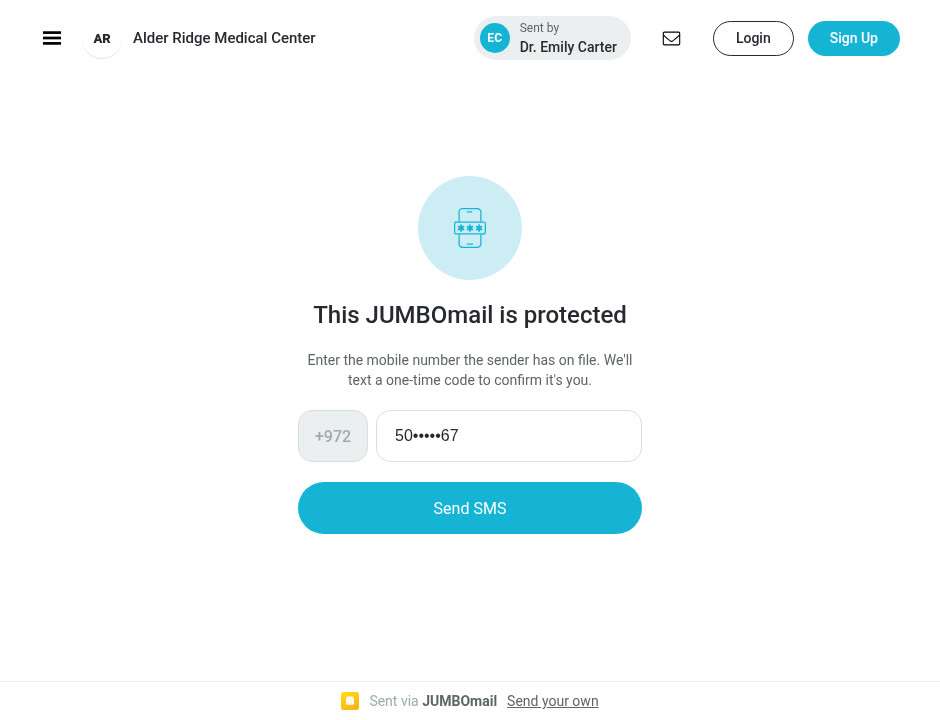
You can require recipient verification by SMS, with a code sent to a mobile number, or protect the delivery with a password and a download limit. Files are available only after verification.
- 3Track
The delivery's download log shows who downloaded and when, and you get an email when a download happens.
- IM-0001.dcm
- IM-0002.dcm
- IM-0003.dcm
- IM-0004.dcm
- and 336 more files
| Dr. Emily Carter | Download | 2:32 PM |
 Dr. Daniel Reed | Download | Yesterday 5:40 PM |
| Dr. Emily Carter | Download | Yesterday 9:14 AM |
You get an email when a download happens
File sanitization for files from external sources
A supplier's invoice, an outside lab's report, a document scanned by a patient: external senders can send files with no account needed. The file sanitization service combines antivirus and CDR. Antivirus detects known threats, while CDR breaks the file into its components, neutralizes active or suspicious elements and rebuilds it, to reduce risk before your staff open it.
Files entering your organization's environment go through antivirus scanning and CDR processing before your staff can download them, including files sent through JUMBOforms.
- 1Break the file into its parts
- 2Neutralize active or suspicious elements
- 3Rebuild the file
Recipient verification by SMS
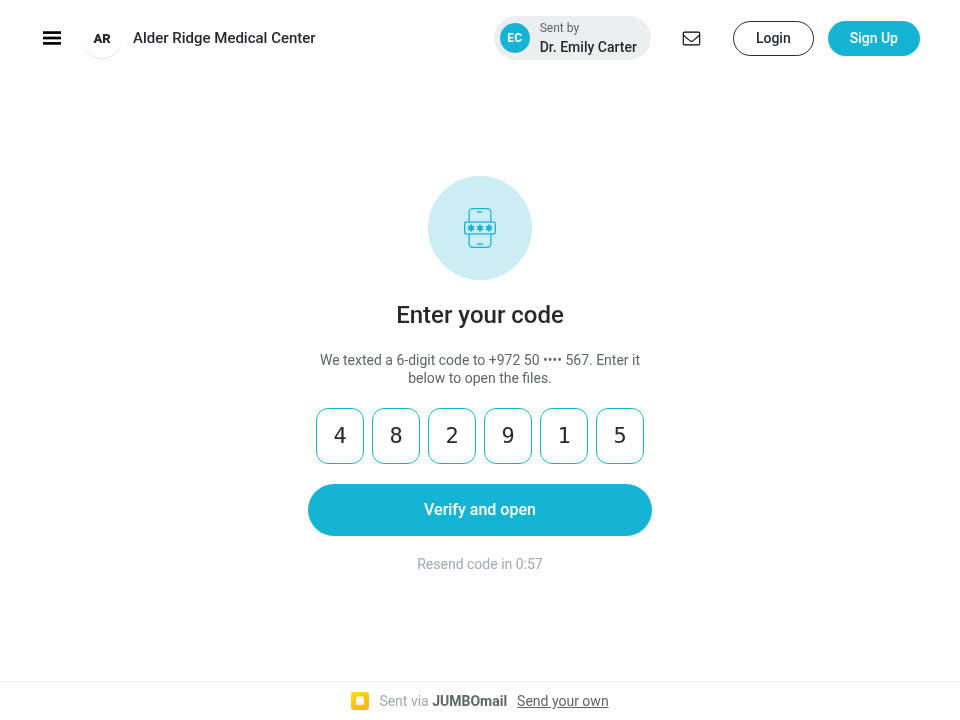
When you transfer sensitive information, such as medical tests or MRI and CT reports, you can add stronger recipient verification by SMS. Files open only after the code is entered.
Recipient verification by SMS, to a mobile number
Your organization's identity on upload and download pages
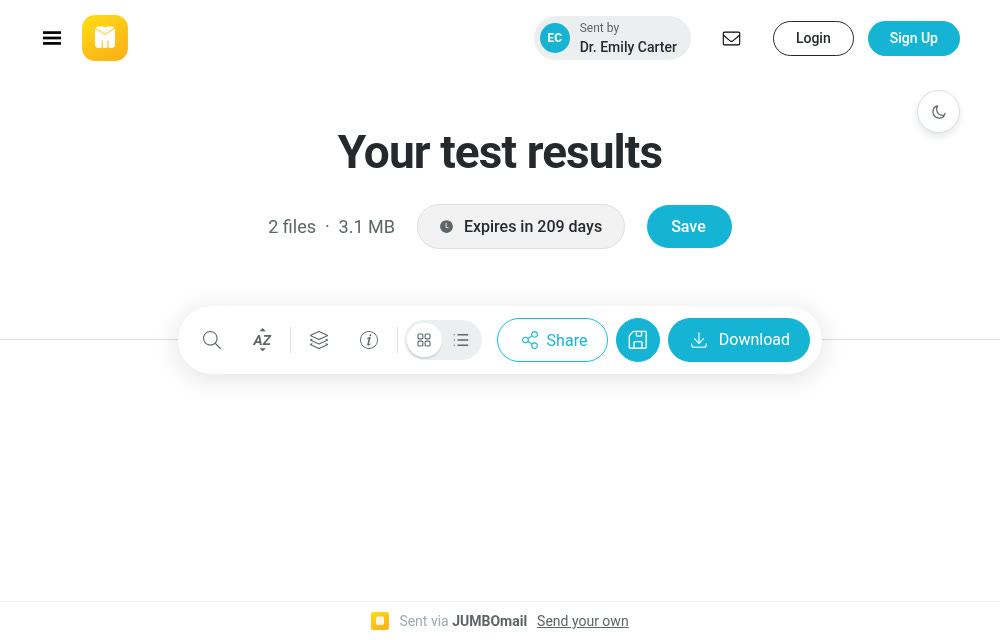
Recipients open a download page that carries your organization's name and logo, not a stranger's. Upload pages, download pages and emails carry your branding, and at the Enterprise One service level, full White Label adds a domain your organization owns.
Send files straight from Outlook, under your policy
Keep working in Outlook as usual. Your organization sets a size, and any attachment above it is sent through JUMBOmail, with the same account, permissions and limits. A download link is added to the message, for example in a referral letter with imaging attached.
- To:
- Dr. Emily Carter
- Subject:
- Referral for further evaluation
Dear Dr. Carter, the imaging is attached ahead of the appointment.
Knee MRI series 2.zip1.2 GBJUMBOmail link added to the messageA retention policy that fits your organization
You can set how long transferred files are kept, according to your organization's policy. For example, referral files can stay until the appointment, and an imaging center's deliveries for the period you set, after which they are deleted.
- MRI referral.pdfSent 5 days agoKept
- Radiology report 8841.pdfSent 20 days agoDeleted
- CT Series 4Sent 60 days agoDeleted
- Visit summary.pdfSent 120 days agoDeleted
According to your organization's policy
Collect documents from patients with JUMBOforms
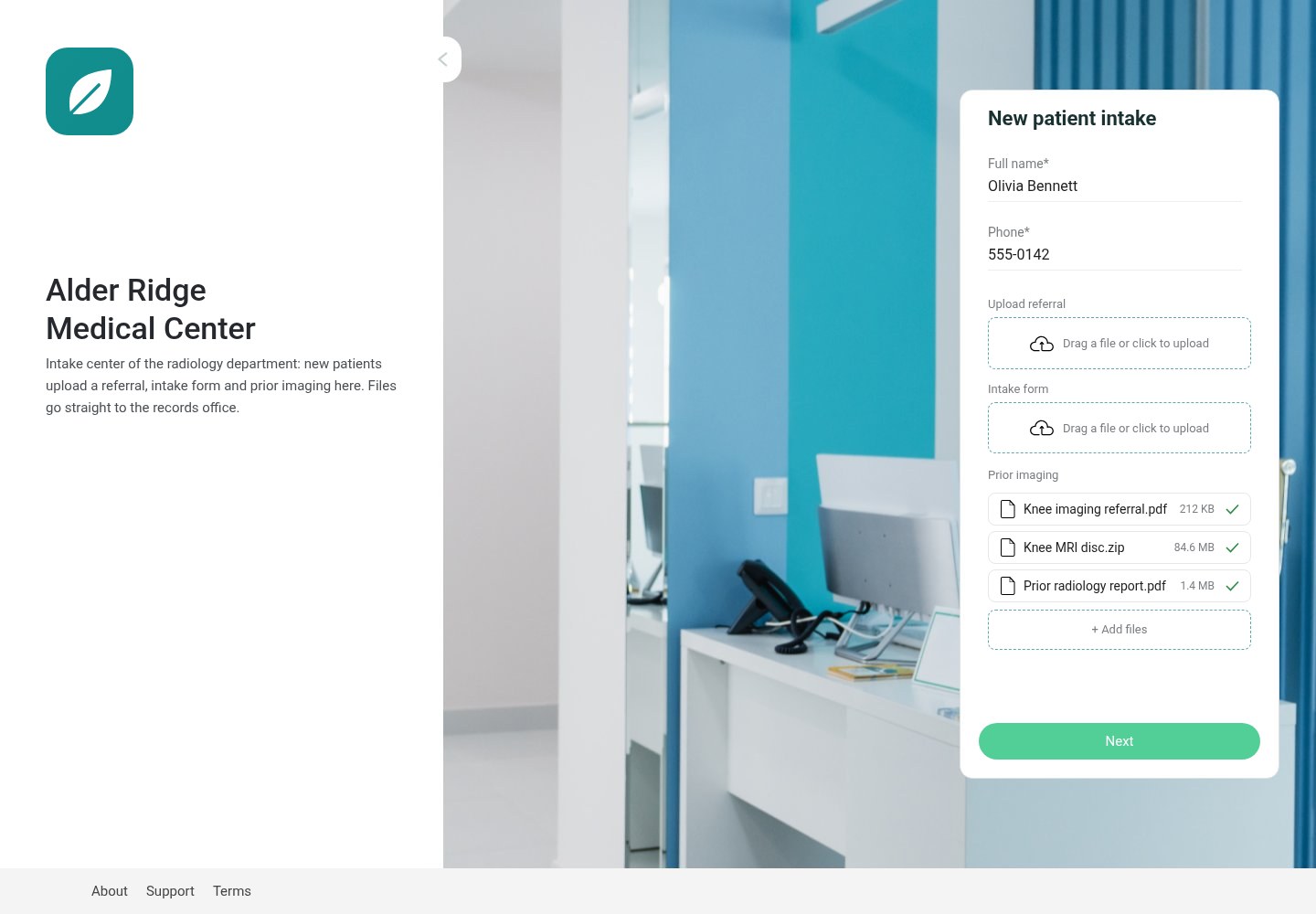
Before a first visit, patients upload a referral, intake forms and prior imaging through a branded form, on its own page or inside your website, with no account needed. The submission reaches your Inbox with the fields filled in, and you get an email when the form is filled in and when the upload is complete.
- Restrict file types and the number of files per submission.
- Export the submission list to Excel or CSV.
- Share the form with the front-desk team.
Common questions from healthcare organizations
Their organization's Microsoft 365 (Entra ID) or Google Workspace account, or a JUMBOmail account with two-factor authentication. You set one sign-in method for everyone, and only addresses on your domain can join.
Whoever you decide. Unprotected, a link opens for anyone who holds it. With a password, recipients-only access, a download limit or recipient verification by SMS, only they can open it. The download log shows who downloaded and when.
No. They get a link or a form and send as guests. A guest who sends to you verifies their email address with a code, and their files go through antivirus and CDR before your staff open them.
Yes. The Owner can require two-factor authentication by email code for every member.
Yes. You can allow only your domain to join, and prevent employees from keeping private accounts on it.
Sign-ins and account changes, kept for 365 days, searchable and exportable to CSV or Excel. File downloads are recorded in each delivery's download log.
Through a shareable link for your organization's domain, or a personal email invitation with a role for each person.
External penetration tests and ongoing vulnerability scans, plus a disaster recovery drill every year.
Depending on the permission level your organization sets for each user, they can see and manage all organizational information in one central management interface, or see only their own.
You can set a retention policy tailored to your organization's needs, from 7 to 180 days. It applies to every team member.
JUMBOmail is certified to ISO/IEC 27001 and ISO/IEC 27017 and holds a SOC 2 Type II report. The documents are in the Trust Center.
Yes. Upload pages, download pages and emails carry your logo and branding. At the Enterprise One service level, full White Label adds a domain your organization owns.
The number of users is set in your Enterprise agreement. They all share one storage pool, with usage shown per user.
You can send files without limit. A folder goes as it is, and an interrupted upload resumes where it stopped.
The delivery's download log shows who downloaded and when, and you get an email when a download happens.
Yes. The Outlook add-in sends files from the same account and adds a download link to the message. Your organization can set a size above which attachments go through JUMBOmail.
Through a branded JUMBOforms form, on its own page or inside your website, with no account needed. The submission reaches your Inbox with the fields filled in.
See it with your organization's setup
Leave your details and a representative will contact you to schedule a demo and share more information.
We use your details only to get back to you. Privacy Policy


